
Why GPT-5.1 Is Underrated, Plus the AI Updates That Matter This Week
GPT-5.1 is underrated because it writes more concisely and human, leaves unknown details blank instead of inventing them, and follows instructions more closely. Alongside it, a new image-edit model can turn a single photo into a full carousel for a few cents.

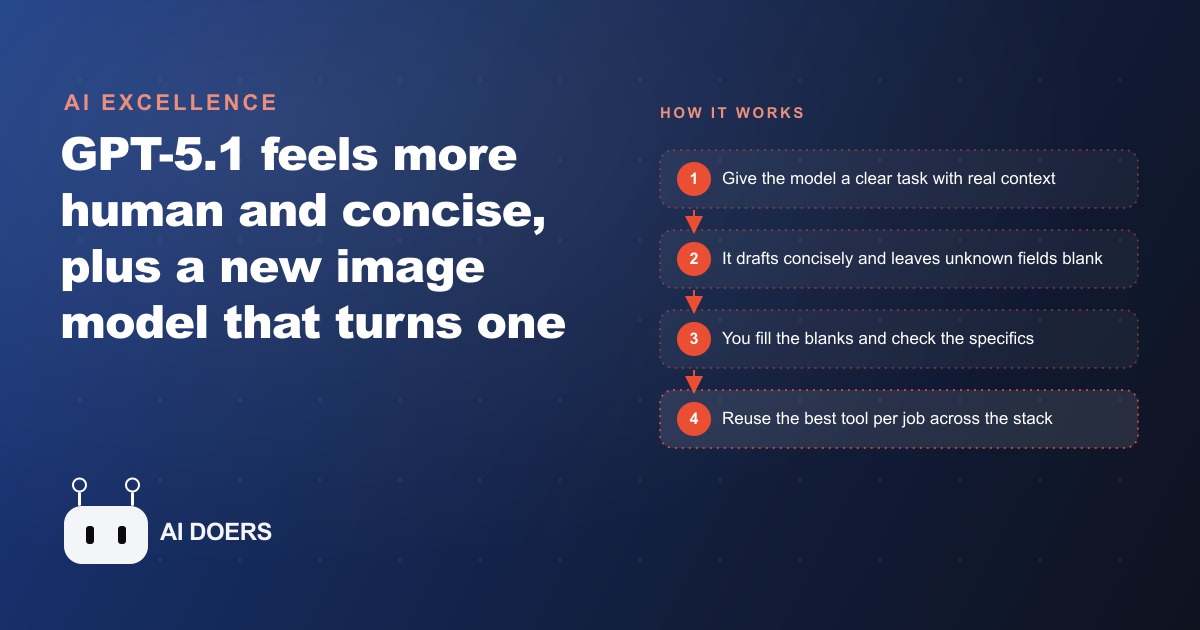
GPT-5.1 shipped quietly, with no benchmark scores attached, and most observers moved on without testing it. That was a mistake, because the improvement is in the dimension that matters most for daily work: the model reads what you actually wrote and responds to it, rather than pattern-matching to the nearest common response. I am Madhuranjan Kumar, and I want to walk through how to build a practical tool stack around this release and the specialist tools that shipped alongside it.
Understand what makes GPT-5.1 different from what came before
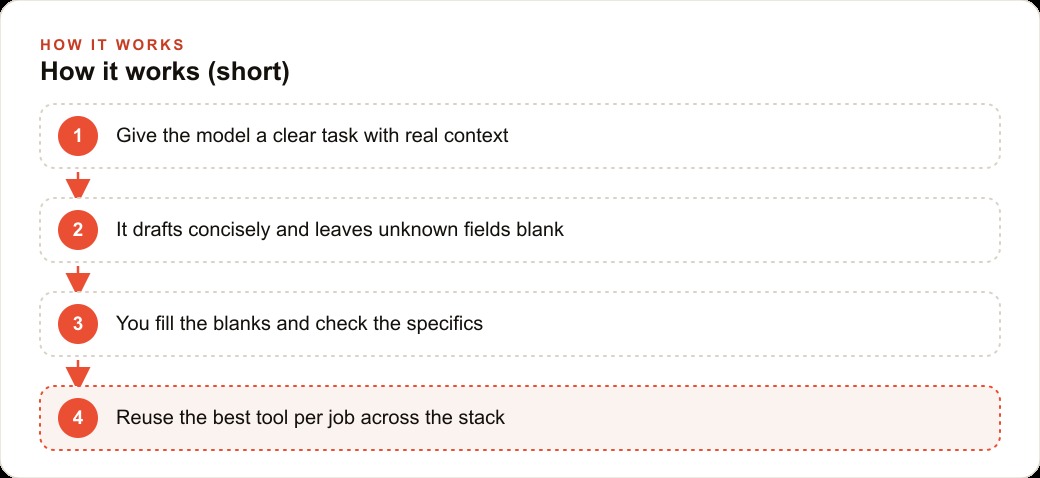
The most important single change in GPT-5.1 is how it handles missing information. Asked to draft an email to request a meeting, the model leaves unknown details, specific dates, names, and times, as blank variables rather than inventing them. That fill-in-the-blank behavior has become the mark of a mature model, and it matters practically because it stops the output from containing fabricated facts you have to hunt down and delete before sending anything to a real person.
Concision is the second meaningful change. The previous generation had a persistent habit of over-explaining, adding context you did not ask for, and padding responses with preamble before reaching the actual answer. GPT-5.1 cuts most of that. Answers are tight enough that every sentence does work rather than filling space. On layered prompts that ask for a specific angle on a specific topic, it addresses the angle asked for rather than returning a generic response about the broader subject.
The underrated label fits because these improvements are distributed across the whole experience rather than concentrated in one spectacular demo. Every interaction feels a little more useful, a little tighter, and a little more like the model actually read the prompt. That improvement shows up as meaningfully less editing time on every piece of output you generate, and editing time is where most of the real friction in AI-assisted work lives.
Route tasks by strength, not by habit
The practical implication of GPT-5.1 closing the gap on concision and instruction-following is that the routing map for your tool stack is worth revisiting. Many people settled into a default: use one model for everything, or use different models for very different task categories but never adjust within a category based on new capability.
The updated routing that makes sense for most business workflows looks like this. Default to GPT-5.1 for drafting tasks, summaries, and anything where concision and instruction-following are the primary requirements. Email drafts, proposal sections, listing descriptions, and meeting notes all fit this bucket. Reach for Claude when the task calls for sharper lateral thinking, more creative ideas, or a perspective that goes beyond the most obvious answer. Thumbnail concepts, positioning language, and brainstorming on a campaign direction tend to produce better results from Claude.
The routing logic is simple: each model has relative strengths on different task types, and those strengths shift with each new release. The discipline of testing a new release on your actual tasks rather than reading the benchmark commentary is what keeps your routing current. A task you defaulted to one model for six months ago might produce measurably better output from a different model today, and that difference compounds across the volume of work you produce.
For businesses that use AI assistance to produce ad creative copy and campaign messaging for Facebook and Instagram ad campaigns, the concision improvement in GPT-5.1 means shorter revision cycles on copy that needs to be tight by definition. An ad headline that arrives at the right length and the right angle on the first try costs less to review and iterate than one that arrives bloated and needs trimming before it can even be tested.
Apply the blank-variable habit so nothing fabricated reaches a client
The blank-variable behavior is the most operationally important change in GPT-5.1, and it requires a corresponding habit on the user side. When the model leaves a blank for information it was not given, you need a workflow for filling in those blanks before the output goes anywhere external. The blank-variable system works only if you actually fill the blanks rather than reading past them.
The practical habit is a two-step review. First pass: look specifically for blanks and variables, fill each one with the correct information from your own knowledge, and flag any blank where you are not certain of the answer. Second pass: read the output as if you received it as a customer or client, looking for anything that sounds off or that you could not verify. That two-step review takes two to three minutes on most drafts and catches the category of error that damages professional relationships before it reaches the person it was written for.
For a listing description going to a buyer, a proposal section going to a prospect, or a follow-up email going to a lead from Google Ads or another channel, this review is not optional. The blank-variable behavior reduces the problem significantly but does not eliminate it, and the cost of one factual error in client-facing output is always higher than the two minutes of review that would have caught it.
Use specialist tools alongside the generalist for the specific jobs they do better
The same week that GPT-5.1 shipped, several specialist tools arrived that belong in any serious content production workflow.
An image-edit model that regenerates a photo from a different angle turns one strong product or location shot into a full carousel for a few cents per image. For any business that needs consistent visual variety across ad formats, social platforms, and listing pages, this changes the economics of content production. A single photoshoot produces one set of angles. An image-edit model extends that set without a return trip to the location or a second booking with the photographer.
A new transcription model handles over ninety languages, processes audio in under two hundred milliseconds, and reads messy recordings cleanly. For anyone dictating notes during site visits, client calls, or inspections, this is the link between spoken capture and written output. A rambling three-minute voice note from a showing or a job site becomes a clean written summary in seconds, ready to paste into a listing description, a report, or a follow-up email.
ChatGPT's ability to be interrupted mid-run on a long query or deep research task changes how long tasks work. You can update the direction without abandoning the session and restarting from scratch. For research tasks that might run for ten or fifteen minutes, the ability to redirect mid-task saves the work that has already been done rather than requiring a complete reset when the direction needs to change.
Put together, these specialist tools handle transcription, image variation, and long-form research in ways that a general model was not built for. The discipline is to use each one for the job it does best rather than expecting the generalist to cover every edge case.
For businesses producing content for SEO and organic search, the combination of a strong drafting model and a fast transcription model means that voice-captured field notes, site observations, and client interview recordings can become published content much faster than a purely typed workflow allows. The knowledge captured verbally on a job site is often the most specific and useful material for a technical or local business blog. The path from capture to publication is much shorter when transcription takes seconds rather than hours.
Protect sensitive work from public model exposure
This last step is less about productivity and more about risk management, but it belongs in any complete tool stack discussion. A legal proceeding this year included a major newspaper filing for access to tens of millions of conversations from a public AI platform. The practical takeaway is not to stop using AI tools. It is to be deliberate about what category of information goes through a public cloud model versus a local one.
For everyday drafting, public models are fine. For client contracts, strategic planning documents, internal financial records, health information, or anything you would not want surfaced in a legal proceeding, use a local model that never sends data off your own machine. Strong open-source models that match the quality of major commercial models are available and capable of running locally on current hardware. The setup cost is a few hours the first time and essentially nothing after that.
The routing principle is simple: classify your work by sensitivity before you choose the model. Routine content production runs through the public model that handles it best. Anything sensitive runs through a local model. That habit, built in from the start of a workflow rather than added after a problem occurs, is the version that actually protects you.
The full stack, a capable generalist model routed by task strength, a blank-variable review habit, specialist tools for transcription and image work, and a local model for sensitive material, is not complicated to assemble. It is a set of deliberate choices made once and maintained as a habit. The operational advantage of that stack over using a single model for everything shows up in every piece of output you review, every revision cycle you skip, and every client interaction that goes smoothly because nothing fabricated made it through.
That is exactly what we do at AI DOERS. Book a private 30-minute call with Madhuranjan Kumar and we will map the fastest path to it for your specific business.
Book your call →
Madhuranjan Kumar
Madhuranjan Kumar brings 20 years of performance-marketing experience and has managed over $200 million in Facebook ad spend for brands across the United States and beyond. His expertise spans the full modern marketing stack: Meta, Google Ads, TikTok, email automation, CRM, and the websites that hold it together. At AI DOERS he turns that track record into lead-generation systems for businesses across every industry.