
Why Gemini 2.0 Multimodal Changes How You Build Image Apps
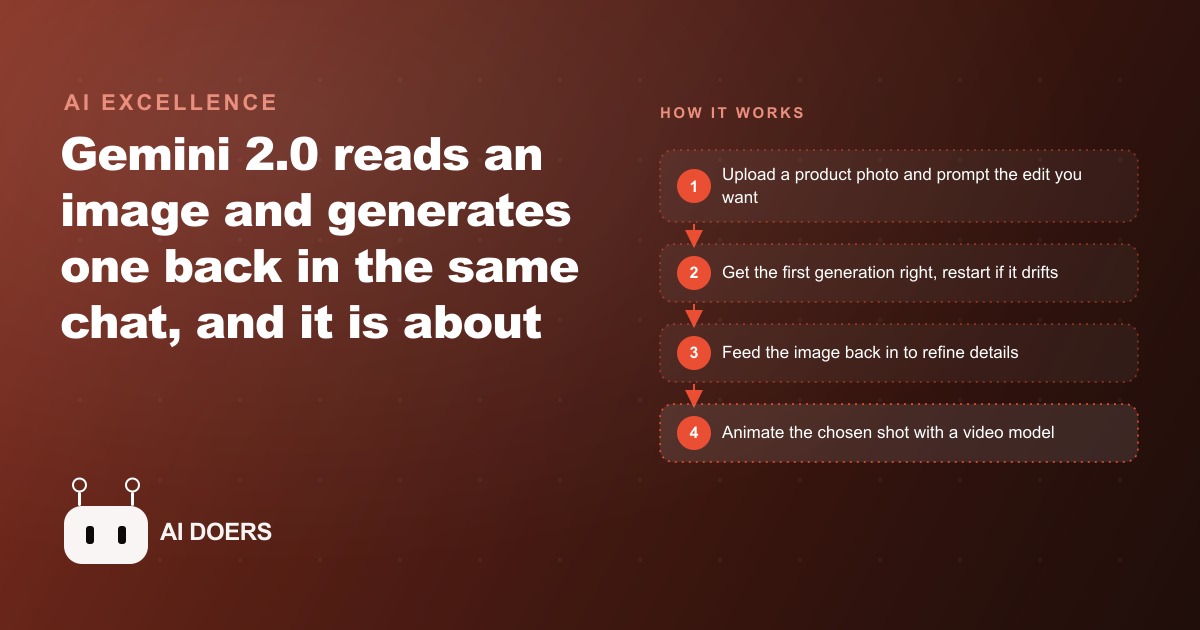
Gemini 2.0 is one of the first models that both understands an uploaded image and generates a new one in the same conversation, and it runs roughly 96 percent cheaper than GPT-4. That price gap makes real product-shot and image-editing apps practical to build.

Most small businesses know they need better product photography. They also know that a proper studio session costs several hundred to several thousand dollars, that they can only afford it a few times a year, and that in between bookings they are posting phone photos that look exactly like phone photos. The gap between what compelling product visuals cost to produce and what a small business can actually afford has been a defining constraint on how those businesses compete online. When a consumer sees a beautifully lit product image from a large brand and then sees a dim, slightly blurry phone shot from the small boutique they were considering, the quality of the photo is doing commercial work that has nothing to do with the quality of the product.
Madhuranjan Kumar watches that gap carefully. What changed recently is not a new camera or a new editing software subscription. What changed is that a model called Gemini 2.0 can understand an image you upload and generate a new one in the same conversation, at roughly 96 percent below the per-token cost of the leading alternatives. When a technology crosses both quality thresholds and cost thresholds at the same time, the market dynamic shifts. That is what has happened here.
What "true multimodal" actually means in practice versus what it means on a spec sheet
A spec sheet that says "multimodal" usually means a model can read an image you send it and describe what it sees. That capability has existed for a while and is genuinely useful. True multimodal means the model can receive an image and generate a new one in the same conversation, as part of a single reply, and keep doing that across multiple turns so you can edit iteratively rather than starting over each time.
The practical difference is enormous. In the old workflow, if you wanted to edit a product photo, you took the image to a separate editing application, made the change, exported the result, re-uploaded it to whatever tool you were using for captions or copy, and repeated that round trip every time you wanted a different version. Each iteration required switching contexts, waiting for exports, and managing files. The result was that most small teams produced one or two versions of a product image and lived with whatever they had rather than iterating toward the best possible shot.
In the Gemini 2.0 workflow, you upload the photo in a chat. You type what you want changed. The model replies with a new image alongside any explanation. You look at the result and type the next adjustment. You stay in one interface across every iteration, and each turn takes seconds rather than minutes. Someone with no Photoshop training can get to a polished product image in a conversation that feels more like directing a shoot than navigating editing software. That shift from tool-switching to conversation is not a minor convenience improvement. It changes the kind of person who can do the work and how many versions they can realistically produce before choosing one.
The configuration detail that matters is setting the API response modality to both text and image. Miss that setting and you only get text back. Set it correctly and the model can reply with a generated image alongside any explanation. The model is available through the API with a free developer key, which means a developer can wire this into a simple team tool in a single afternoon without a significant upfront investment.
The 96 percent cost gap and why that number changes the production economics permanently
Token pricing for large language models varies by a large factor across providers, and the difference between the most expensive and least expensive capable models has a direct effect on what kinds of applications are practical to build and use at scale. At roughly 96 percent below the per-token cost of the leading alternative, Gemini 2.0 changes the economics of image-generating workflows in a specific and lasting way.
The math is simple but the implications are significant. At flagship model pricing, running 20 product shots through an AI image editing workflow costs enough that you have to carefully consider whether it is worth it per image. At 96 percent less, you can run 20 product shots and iterate on each one multiple times for a cost that rounds to nothing in any monthly budget. That is not a quantitative improvement on the same trade-off. It is a qualitative shift in behavior. When the cost of generating an image is negligible, you stop making decisions about whether to generate it and start making decisions about which generated version is best. That is the behavior pattern a creative workflow should reward.
The secondary implication is for the kind of tooling you can build on top of this model. At flagship pricing, wrapping it in a simple internal app for a small business team requires business case justification. At current pricing, the tool cost is a rounding error in a monthly budget, which means small teams can build and deploy internal creative tools without worrying about whether usage will run the API bill past a meaningful line. A boutique clothing store building a product photography tool for its staff to use every day does not need to think about per-image cost. It can simply let the staff use the tool.
The third implication is for the animation step. Once the model has produced a clean product image, chaining that image into a short video clip through a video model like Wan 2.1 hosted on a platform like Replicate adds motion to still images at a cost per clip that is also negligible. This breakdown model charges per second of generated output. A five-second product clip costs a fraction of a dollar. That means a small business can produce both a polished still and a motion version of every product image in the same workflow, covering both the use cases that need a still and the social platforms that reward short clips.
The conversational editing loop and the one rule that keeps quality high
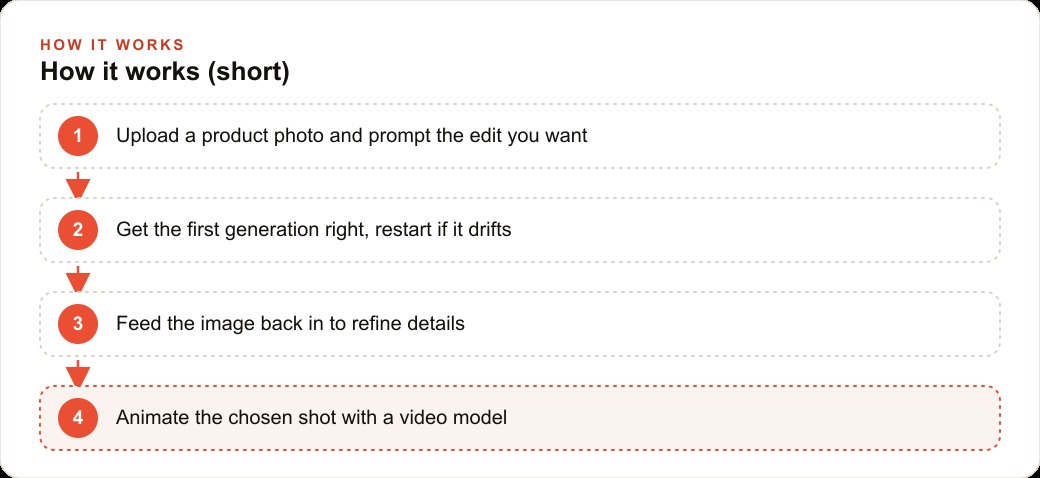
The conversational editing loop that Gemini 2.0 enables has three steps. You upload an image and describe the change you want. You receive a new image in the model's reply. You feed that new image back into the conversation as an input for the next turn, so the model understands it is editing the image it just produced rather than generating something new from scratch.
That third step, feeding the output back as an input, is the one that most people miss when they first try the workflow. Without it, each new message generates an image based on the description alone, and you lose any accumulated visual ground the previous generation established. With it, you are building incrementally on a result that already captured the elements you liked, changing only what you specify. A clean background is preserved while you adjust the lighting. A lighting setup is preserved while you change the product angle. The identity of an object stays stable while you adjust the surrounding context.
The one rule that keeps quality high: protect the first generation. The first output in a fresh conversation is the peak quality moment. As a conversation accumulates turns and context, the quality of subsequent generations tends to degrade. The practical approach is to put real care into the first prompt, evaluate the first result thoroughly before requesting any changes, and restart the conversation rather than stacking corrections onto a session that has drifted. If a requested adjustment makes the result worse rather than better, starting a new conversation from the original first generation is almost always faster than trying to correct the degraded version by adding more instructions. The model will not recover in a long conversation. A fresh context will.
What an online clothing boutique can do in one afternoon that would have taken a studio a week
An online clothing boutique receiving 20 new pieces per month is the clearest small-business case for this workflow. Clothing requires polished imagery to sell and most small boutiques cannot sustain a regular studio schedule at the volume they need.
The owner or a staff member takes one reference photo per piece on a plain background or against a simple surface. That photo goes into a chat tab in a small app that a developer can build in one afternoon using the Gemini 2.0 API with the response modality set to text and image. The staff member types a prompt: clean studio background, soft natural lighting consistent with the rest of the catalog, fabric texture clear. The model generates the first image. The staff member evaluates it against the others already in the catalog. If it is right, it gets saved. If a small adjustment is needed, the previous image goes back in as an input with a single correction. When it is approved, a second tab in the same app sends the final image to a video model and requests a five-second clip showing the drape of the fabric. Replicate hosts the heavy video model so no infrastructure management is needed.
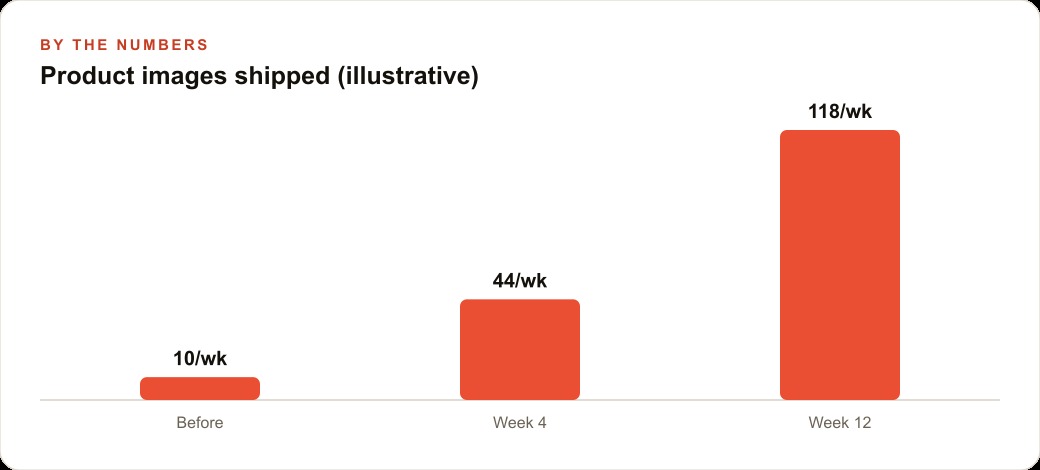
Now run the numbers. Before: professional product photography plus editing equals $800 per session, two sessions per month to cover all new arrivals, for a total of $1,600 per month and $19,200 per year. After: the owner takes one phone reference photo per piece, uploads it to the app, prompts for studio background and lighting, and reviews the first generation. Generation cost for 20 pieces with two images each, plus five animated clips at $0.15 per clip: under $5 per month. Annual creative production cost: under $60. That is a reduction from $19,200 to under $60 per year, without sacrificing the consistent, polished look that a studio schedule was supposed to deliver.
Beyond the cost reduction, there is a consistency argument that matters commercially. Because the same background prompt and lighting description are reused for every piece, the product catalog looks like a catalog rather than a collection of photos taken under different conditions. A consistent visual identity across all 20 pieces per month is a professional quality outcome that many boutiques fail to achieve even with real photography across multiple sessions.
The time argument is equally significant. In the old model, new arrivals wait for a photography booking and then for editing before they go live on the product page. In the new model, new pieces get images on the day they arrive. They go live that day. They appear in ads that week. The window between a piece arriving and generating revenue closes from weeks to hours, which has a compounding effect on sell-through rates for seasonal inventory that loses value the longer it waits.
The production economics shift is not reversible. Once a boutique has a workflow that produces polished, consistent product images at a few dollars per month, returning to a $19,200 annual photography budget is not a realistic option. The baseline has changed. That is what Madhuranjan Kumar means when he says this changes the production economics permanently rather than offering a discounted version of the old model. The old model required capital and scheduling. The new model requires a prompt and ten minutes. The workflow also changes how teams think about creative iteration on ads. A business running paid social campaigns on Meta platforms previously had to choose between a small number of creative variants because each one required a separate photography investment. With conversational image editing at negligible cost per iteration, the same team can test ten visual treatments of the same product with ten different backgrounds, lighting conditions, and staging choices, and use paid traffic to find the strongest performer. The cost of that creative testing is now tokens rather than shoot days. At 96 percent below the flagship model pricing, the cost of testing ten creative variants is less than the cost of printing a business card. That changes the scale at which a small business can run systematic creative testing, which is one of the most reliable ways to improve advertising return over time without increasing the budget.
That is exactly what we do at AI DOERS. Book a private 30-minute call with Madhuranjan Kumar and we will map the fastest path to it for your specific business.
Book your call →
Madhuranjan Kumar
Madhuranjan Kumar brings 20 years of performance-marketing experience and has managed over $200 million in Facebook ad spend for brands across the United States and beyond. His expertise spans the full modern marketing stack: Meta, Google Ads, TikTok, email automation, CRM, and the websites that hold it together. At AI DOERS he turns that track record into lead-generation systems for businesses across every industry.