
The Real Story From NVIDIA GTC: What Actually Matters for Normal People
Most of GTC was enterprise talk, but the parts that matter for everyday users are Nemo Claw making agents a one-line, safer install, NVIDIA's open-weight Nemotron 3 running near state-of-the-art fully on device, and DLSS 5 upscaling games in real time.

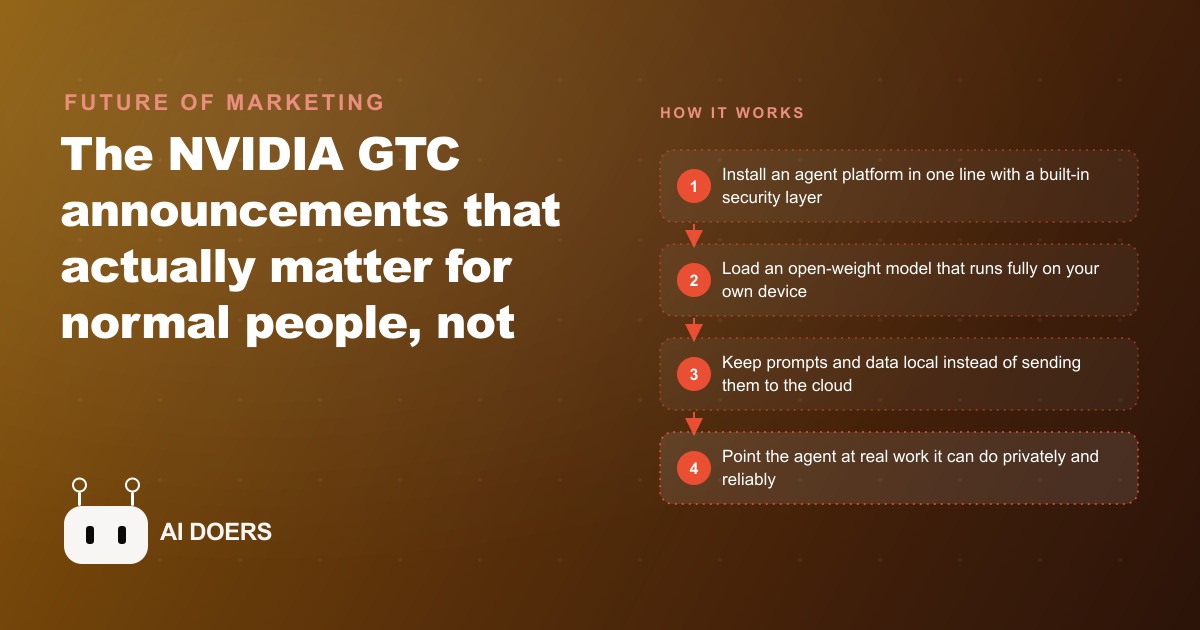
Every year, NVIDIA holds a conference where the announcements are technically impressive and practically confusing for most people who are not already deep in the hardware world. This year was different. The GTC announcements that matter for small business operators are not abstract. They are actionable, and the path from announcement to working deployment on your own machine is shorter than it has ever been. I am going to walk through what was announced, why it matters for on-device AI specifically, and then give you the exact sequence for setting up a private AI agent on your own hardware, using an electrical contractor as the worked example throughout.
Choose the One-Line Installer That Comes With a Security Layer Built In
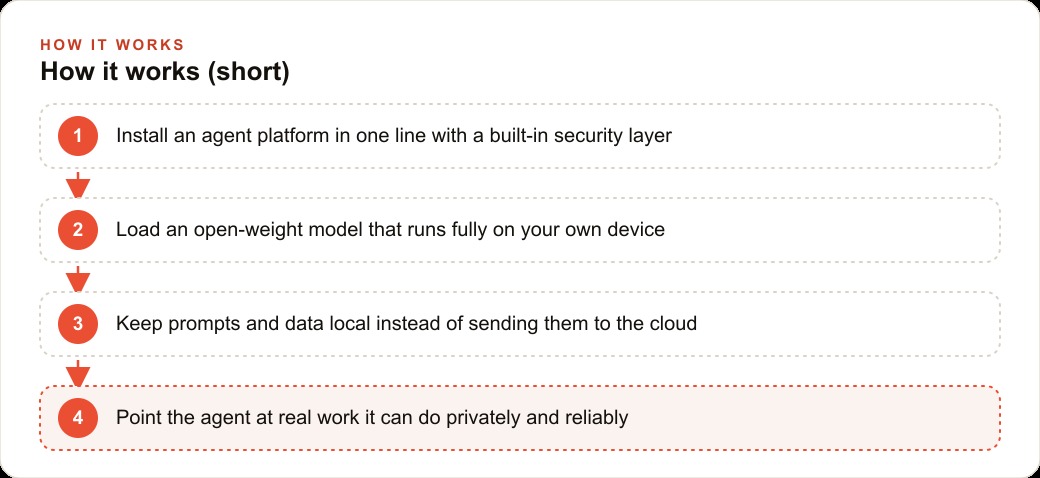
The first thing worth understanding from GTC is that the open-source agent frameworks have matured to the point where installation is no longer a configuration project. NemoClaw, which is the hardened version of the OpenClaw framework, installs in roughly two minutes with two terminal commands. This is not a simplified version of the tool. It is the full tool with a security layer added on top.
The security layer is important and it is often described last when it should be described first. An agent that can take actions on your computer, read files, send messages, and run code needs a perimeter that defines exactly what it is allowed to touch. Without that perimeter, the agent can be manipulated through a technique called prompt injection: an attacker crafts content that the agent reads as part of a normal task, and that content contains instructions that redirect the agent to do something the owner did not authorize.
Prompt injection is not a theoretical risk. It is the most common way agent deployments go wrong, and it is underreported because most small deployments do not have security monitoring. A malicious document in an email attachment, a webpage the agent browses as part of a research task, a message that contains embedded instructions disguised as regular text: any of these can redirect an agent that has no security layer.
The one-line installer for NemoClaw includes the security layer by default. You do not have to configure it separately. The security layer intercepts instructions that appear in agent-read content and checks them against the permission set before executing anything. Instructions that arrive through tool calls authorized by the operator pass through. Instructions that arrive through content the agent is processing do not get elevated to operator-level permissions.
This distinction, between operator instructions and content instructions, is the core of prompt injection defense. Install the version that has it built in from day one.
Load a Model Calibrated to Your Hardware Before Buying Anything New
NVIDIA's Nemotron 3 Super 120B is an open-weight model that can run fully on-device, meaning no cloud connection required, no API call, no data leaving the machine. It is near state-of-the-art on several benchmarks. It is also a 120-billion-parameter model that requires substantial hardware to run at usable speed.
Before you get excited about the capability of a 120B model and make any hardware decisions, run a smaller quantized model on your existing machine first. The purpose of this step is calibration: you want to know what speed, quality, and memory consumption look like on the hardware you already have before deciding whether you need to upgrade.
A quantized version of a 7 to 13 billion parameter model, available from the Hugging Face model hub under open licenses, will run on a machine with 16 GB of RAM. The output quality is not equivalent to a 120B model, but for the task categories a small business agent handles, which are drafting, summarizing, scheduling, and classification, the smaller model is often sufficient.
The question to answer in this calibration step is practical: given the tasks I actually want to run, does the model produce usable output at a speed that fits my workflow? If the answer is yes with a 7B model, you have not spent anything on hardware. If the answer is no, you have evidence-based requirements for what a hardware upgrade would need to deliver, rather than assumptions based on benchmark sheets.
The tokens-per-second numbers from GTC show a clear trend: inference speed is climbing while cost per token and energy consumption per inference are falling. This trend continues. Waiting six months before a hardware purchase is a legitimate strategy if the smaller model is meeting your current needs.
Keep the Default to Local-First, With Cloud Tools Only for Data That Is Already Public
The case for local-only AI deployment is not ideological. It is practical.
When an AI model runs on your machine, the data it processes stays on your machine. Your customer list, your pricing, your job history, your schedule, your supplier contacts, none of it leaves your network. There is no API endpoint receiving your business data. There is no cloud provider with a copy of your records. There is no privacy policy to read and no terms of service to accept regarding what happens to inference data.
For a small business, this matters in a specific way. Customers who trust you with their contact information, their address, their appointment details, are trusting you with that data. Running it through a cloud AI service means that data is being transmitted to and processed by a third party. Whether that creates a legal obligation depends on your jurisdiction and your industry. Whether it is something you would choose to do if you thought about it explicitly is a separate question.
The local-first default is: use a local model for any task that involves your own business data or your customers' information. Use cloud-based tools only when the data is already public, meaning you would not hesitate to write it on a public whiteboard.
For the electrical contractor in this example, that means: drafting job summaries from recorded notes, organizing service tickets, categorizing invoices, generating draft estimates from a template, running on a local model because all of that involves customer addresses, pricing, and job details. Looking up current material pricing from a supplier's public website, which is already public information, can be handled via a cloud tool if the local model is not connected to the internet.
This distinction keeps the data boundary clean and keeps the decision simple. If it is your data or your customer's data, it stays local.
Point the Agent at One Repetitive Internal Task and Measure the Time Saving Honestly
The electrical contractor I use as a worked example through this article had one specific problem: at the end of each job day, he was spending about an hour transferring information from his notepad into the business management software, creating job records, updating customer files, and drafting invoice summaries. The notes were detailed and accurate. The data entry was accurate but slow.
The first task the agent received was: take the end-of-day voice note, which was a 3 to 5 minute audio recording summarizing the jobs completed that day, and produce a structured draft of the job records in the format the business software used.
The permission set for this first task was limited to read access on a specific folder where the audio files were saved, and write access to a single output folder where the structured drafts would appear. The agent could not touch the business software directly. It could not modify any existing records. It could not access customer contact information. It could only read the audio, generate a draft, and save it to the output folder.
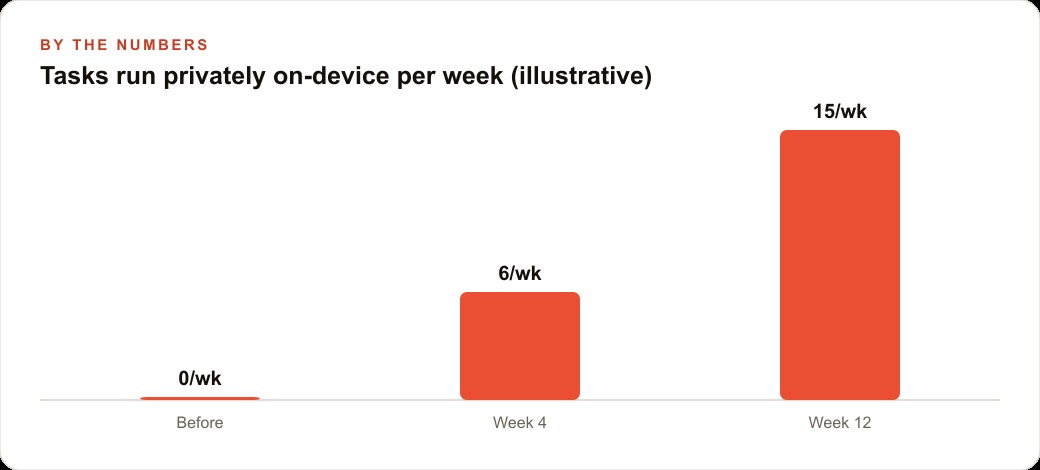
The owner reviewed each draft before pasting it into the business software. The review took between 5 and 10 minutes per day, replacing the previous 60-minute manual process. The time saving was 50 to 55 minutes per working day.
At five working days per week, 48 working weeks per year, that is 200 to 220 hours recovered annually from a single task that took two weeks to set up.
The measurement was done honestly, meaning the 10-minute review time was subtracted from the calculation, not ignored. The correct time-saving figure is 50 minutes per day, not 60. Honest measurement of the actual saving prevents disappointment later when the calculation does not match reality.
This matters because the impulse after a successful first deployment is to immediately list 12 more tasks the agent could handle. That impulse is worth resisting. Measure the first task for 30 days. Understand the failure modes. Then expand.
Understand the Hardware Reality Before Committing: Test a Smaller Quantized Model First
The NVIDIA GTC charts were striking. Context windows are growing rapidly. Tokens per second on local hardware have climbed by roughly an order of magnitude over the past 18 months on comparable hardware. Energy per inference is falling. These trends are real and they are documented by third-party benchmark runners, not just NVIDIA's marketing materials.
The implication for someone making a hardware decision today is: do not over-spec for the current moment. The model that requires high-end hardware today to run at useful speed will run on midrange hardware in 18 months. The model that fits in 16 GB of RAM today is more capable than the model that fit in 32 GB of RAM two years ago.
For the electrical contractor, the starting point was a 7B model running on a machine with 16 GB of RAM that had been used primarily for business software before this. The model ran the end-of-day job record drafting task in about 90 seconds per recording. That speed was acceptable for a task done once per day at the end of a shift.
When the scope expanded to include quote generation from voice-recorded client consultations, which involved longer audio and more complex output, the same model was slightly slow but still within tolerance. The contractor decided to increase RAM before buying a new machine, because benchmarks showed that the 7B model ran about 40 percent faster with more available system memory.
The upgrade cost was lower and the improvement was measurable. This is the kind of decision that becomes possible when you run the calibration step first rather than buying hardware based on model specification sheets.
The Data That Stays on the Machine Is the Point
NVIDIA's Space One project, a concept for a data center in orbit that would use the coldness of space for heat dissipation, is genuinely interesting as an engineering problem. It is also a good illustration of how the industry's center of gravity has shifted.
The massive cloud data center, whether on the ground or eventually in orbit, is the infrastructure story of the last decade. The on-device model is the story of the current moment. The capability that previously required a rack of GPUs in a data center now runs on a machine that sits on a workbench or a desk, without a cloud connection, without a monthly API bill, and without your business data leaving your network.
That shift is not complete. There are tasks that require more compute than local hardware can provide. There are models that require the scale of a cloud deployment to run at useful speed. But for the category of tasks that matter most to a small business operator, namely drafting, organizing, summarizing, and classifying information from your own operational data, the local model is sufficient and the local deployment is the right choice for data reasons that exist independent of cost.
The electrical contractor's agent knows his customer names, his standard job types, his pricing structure, and his supplier relationships because that information lives in the business context document the agent reads on every run. None of that information has ever been transmitted to a cloud service. The model runs on the workbench machine. The drafts appear in the output folder. The data stays inside the business.
That is the practical outcome of what GTC announced for operators who pay attention. The playbook is five steps: install the version with a security layer, calibrate with a smaller model before buying hardware, default to local for any task involving your own data, start with one measurable task, and understand the hardware before committing. None of those steps require a background in machine learning. All of them require about 10 hours of setup spread over two weeks. The 200-plus hours per year the contractor recovered came from those 10 hours of setup time. That ratio is why the decision is worth making.
That is exactly what we do at AI DOERS. Book a private 30-minute call with Madhuranjan Kumar and we will map the fastest path to it for your specific business.
Book your call →
Madhuranjan Kumar
Madhuranjan Kumar brings 20 years of performance-marketing experience and has managed over $200 million in Facebook ad spend for brands across the United States and beyond. His expertise spans the full modern marketing stack: Meta, Google Ads, TikTok, email automation, CRM, and the websites that hold it together. At AI DOERS he turns that track record into lead-generation systems for businesses across every industry.