
The Claude Code Workflow That Actually Makes You Faster
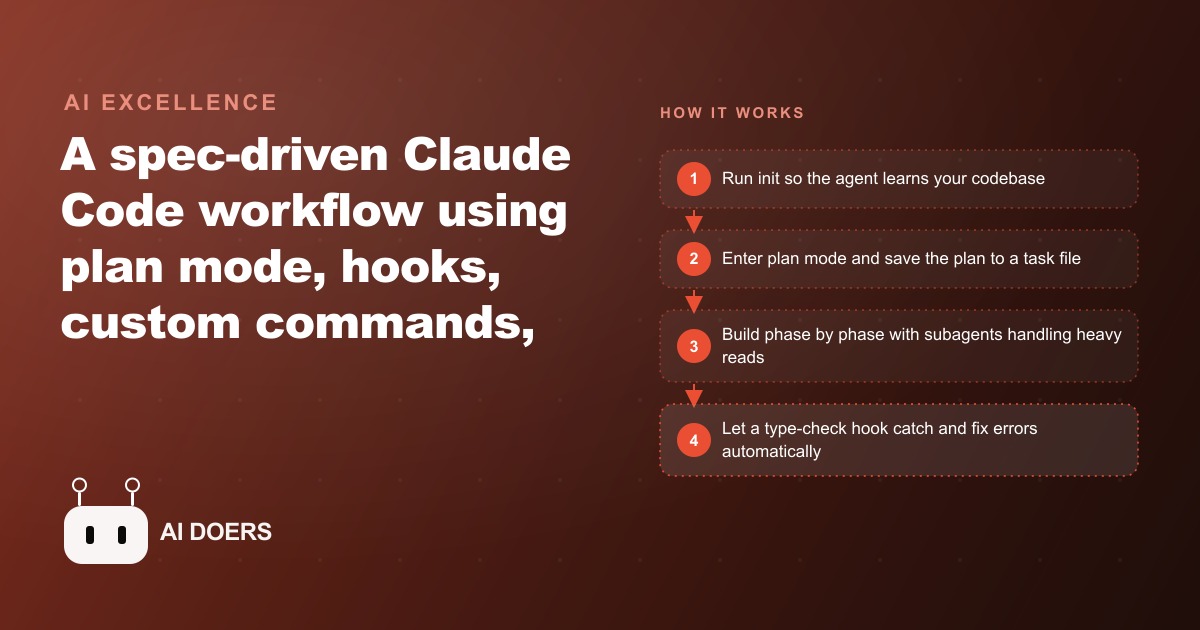
The fastest Claude Code workflow is spec-driven: run init so the agent learns your codebase, always plan before building, lean on subagents to protect context, and add hooks so the agent fixes its own errors.

Most people try Claude Code the same way they try any new tool: they type a request, see what comes back, and judge the tool by the quality of that first result. That approach produces mediocre results and a mediocre assessment of what the tool can do. I am Madhuranjan Kumar, and I want to make the case that one-shot prompting is not a strategy for Claude Code. It is a test that the tool occasionally passes and frequently fails, and the teams that get consistent value from it use a completely different approach.
One-shot prompting produces slot-machine results, not reliable output
The one-shot approach to Claude Code looks like this: type a request describing a feature or a tool, wait for the result, evaluate whether it is good, and if it is not, try again with a slightly different prompt. Some requests produce excellent results on the first try. Most produce something that is seventy or eighty percent right and requires enough manual correction that the time saved over writing it yourself is marginal. The inconsistency is not a flaw in the model. It is a predictable consequence of giving a capable tool an underspecified task and expecting it to fill in the blanks correctly without any knowledge of your project, your conventions, or your specific requirements.
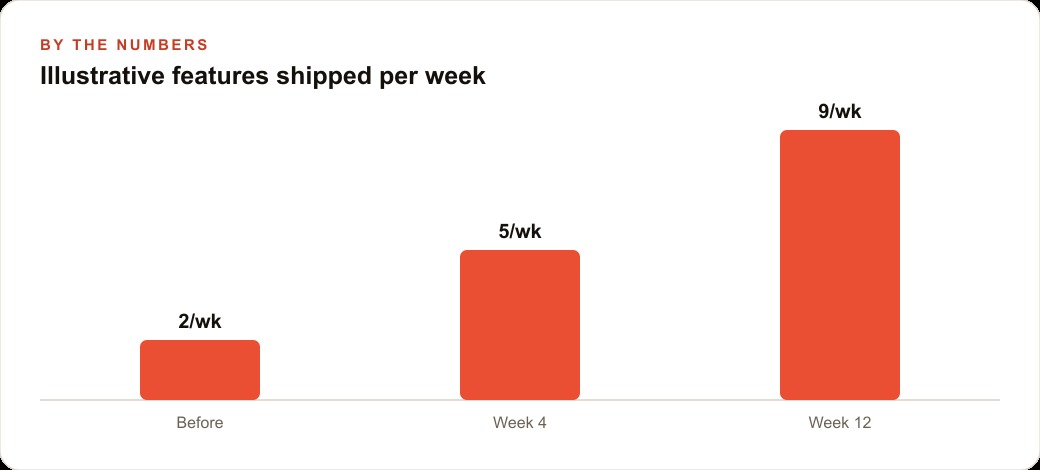
The team that gets reliable output from Claude Code every time is not using better prompts in the sense of longer or cleverer prompts. They are using a different structure entirely: one that gives the model the context it needs before it starts, has it plan before it builds, tracks what it has done in a document that persists across sessions, and automatically catches errors before they compound. That structure is what I am calling spec-driven, and it is the only approach I have seen produce consistently reliable results at real project scale.
The CLAUDE.md file is the context that makes reliability possible
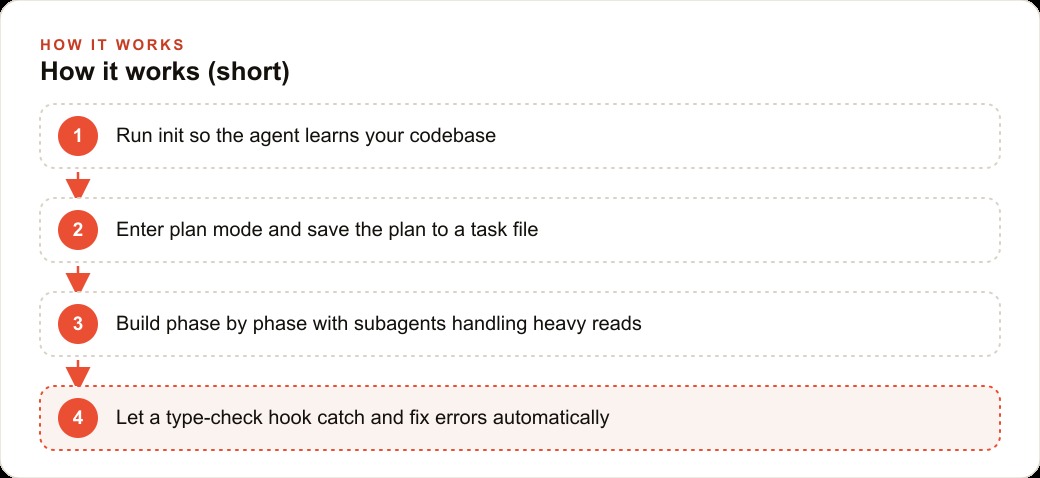
Every Claude Code session starts fresh unless you give it memory. The init command builds that memory. Running init on a project tells the agent to read the codebase, understand the dependencies and components that already exist, and write a CLAUDE.md file. Every rule in that file is appended to the system message on every subsequent task. It is the project memory that makes the agent behave consistently with your conventions rather than inventing new ones from scratch each session.
The difference between a project with a CLAUDE.md and a project without one shows up immediately. Without it, the agent uses component names that do not match the ones you have already established, adds dependencies you specifically excluded from a previous decision, and applies formatting conventions that differ from the existing codebase. With it, the agent reads the context before touching anything and builds in the direction you have already established. Fifteen minutes on init at the start of a project saves hours of correction over the following weeks.
Every convention you capture in CLAUDE.md is a convention you never have to re-explain. Stack, build commands, naming patterns, which libraries are approved, which patterns are forbidden, what the test command is: all of it lives in the file and fires automatically. The file is not a one-time setup. It grows with the project. Adding a new convention to the file after the first time you correct the agent on that pattern means you correct it once and it never recurs. That is the compounding return on the spec-driven approach.
Plan mode before every non-trivial build is what surfaces design problems early
The most expensive mistakes in software development are the ones discovered after the code is already written. Implementing the wrong abstraction, building to the wrong interface, misunderstanding a requirement: all of these are cheap to fix when they surface in a planning conversation and expensive to fix when they surface in a code review. Plan mode in Claude Code is specifically designed to surface those problems before code gets written.
In plan mode, the agent runs on a special configuration with limited tools, which means it focuses on research and architecture rather than editing files. It looks up the latest documentation for the relevant libraries, proposes an approach, and presents it for your review. You correct the approach in conversation before any code exists. Once you agree on the plan, you save it to a task file broken into phases. The task file updates as the agent works. When you come back to the project after a break, you can read exactly where it left off and what the next phase is without reconstructing the context from memory.
The task file is not bureaucracy. It is the mechanism that makes non-trivial builds reliable across multiple sessions. Without it, every session restart requires you to re-explain the project state. With it, you open the task file, read the current phase, and continue. The agent knows what was done because it updated the file while doing it.
Subagents protect the main context from the work that would degrade it
Token context management is not a theoretical concern. When the main agent's context fills up with large file reads, lengthy search results, and accumulated conversation history, output quality drops in ways that are hard to attribute but easy to observe: the agent starts making decisions that contradict earlier ones, misses requirements it acknowledged at the start of the session, and produces code that works in isolation but conflicts with something elsewhere in the project.
The fix is subagents. When a task requires searching across many files or reading a large document, the main agent calls the task tool, which launches a subagent for that specific job. The subagent does the heavy reading, produces a summary, and returns that summary to the main agent. The main agent's context receives the summary, not the full content of everything the subagent read. This keeps the main context clean and the main agent's output quality high through long sessions.
Running multiple subagents in parallel on independent searches, then collecting their summaries, is the pattern that makes large-codebase tasks tractable. Instead of one agent reading every relevant file sequentially and filling its context to capacity, five subagents each read a section and return summaries. The main agent synthesizes those summaries and builds with the synthesized understanding rather than the raw files. The quality difference on large projects is significant.
Hooks are what close the quality loop automatically
The PostToolUse hook that runs a type checker after every edit is the single addition to the spec-driven workflow that produces the most visible quality improvement. It fires automatically whenever the agent writes or edits a file, runs the type checker, and if the checker returns an error, feeds that error back to the agent in the same session. The agent reads the error and fixes it before moving on. The human never sees the broken intermediate state because it never persists longer than one agent cycle.
Without this hook, type errors accumulate across a session and are found in a batch review at the end, or worse, by the end user in production. With the hook, each error is caught and fixed in the session where it was introduced, which is the cheapest possible time to fix it. A session that produces a finished feature with clean type checking is a different product than a session that produces a finished feature that passes a quick manual review but fails on an edge case in real use.
The stop hook that plays a sound when a task finishes is trivial by comparison but genuinely useful in practice. Working alongside Claude Code means initiating a long task and doing other work while it runs. Without an alert, you are either watching a screen or repeatedly switching back to check whether it is done. A sound alert means you come back when there is something to review, not before. The workflow respects your attention rather than consuming it.
For Google Ads campaign management tools, internal reporting dashboards, and CRM and website stack integrations, the spec-driven workflow is what separates a tool that works for a day and then breaks from one that runs for months without requiring a developer to touch it. The init step builds the memory, the plan step prevents the wrong design from getting built, the task file tracks the state, the subagents protect the quality, and the hooks catch the errors. Each of those steps is individually small. Together they produce the reliable output that one-shot prompting promises but rarely delivers.
That is exactly what we do at AI DOERS. Book a private 30-minute call with Madhuranjan Kumar and we will map the fastest path to it for your specific business.
Book your call →
Madhuranjan Kumar
Madhuranjan Kumar brings 20 years of performance-marketing experience and has managed over $200 million in Facebook ad spend for brands across the United States and beyond. His expertise spans the full modern marketing stack: Meta, Google Ads, TikTok, email automation, CRM, and the websites that hold it together. At AI DOERS he turns that track record into lead-generation systems for businesses across every industry.