
The AI Tools One Creator Actually Uses Every Single Day
A real daily AI stack for running a one-person business: Perplexity for search, Claude with Projects for thinking, Cursor for building small bespoke tools, plus Whisper Flow, Feedly, Granola, Nano Banana, Ask Studio, and ElevenLabs. Each one earns its place by killing a recurring task.

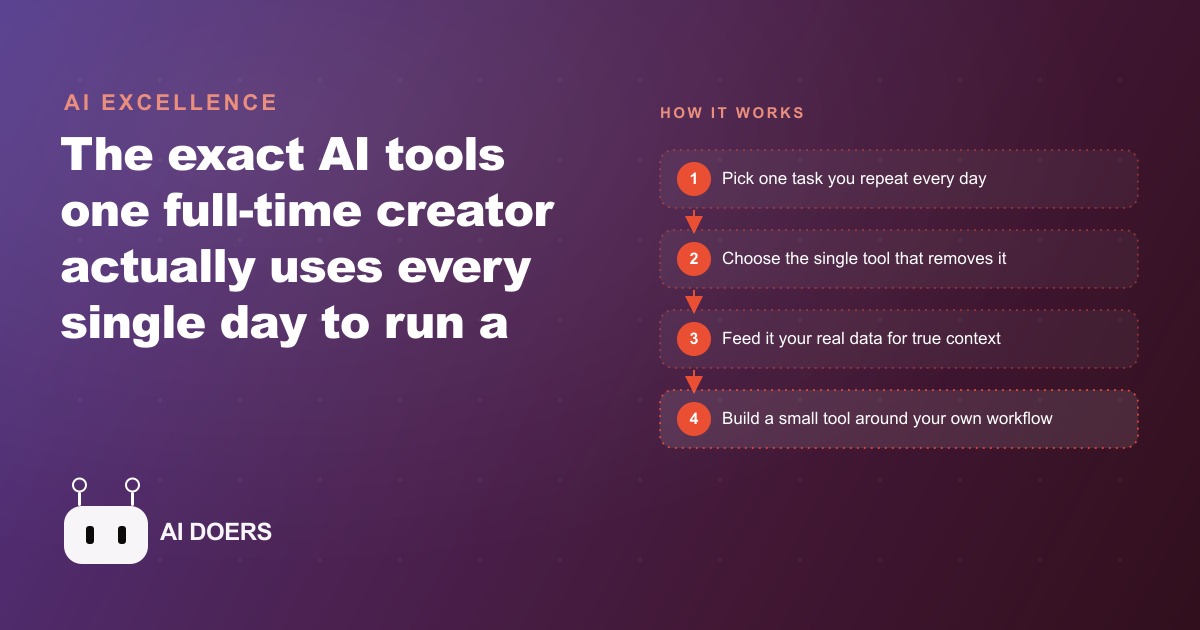
The honest version of an AI tools list looks different from the trending version. The trending version names the newest apps and the most impressive demos. The honest version names the tools that show up in an actual working day, do a specific job that nothing else does better, and get used consistently enough to change the output of the day in a measurable way. I am Madhuranjan Kumar, and what follows is the second kind of list: ten tools, each earning its slot by removing a specific repeating task from a one-person business workflow.
1. Perplexity replaces every Google search, not just some of them
The most-used tool in this stack is Perplexity, and the key word is replaces rather than supplements. When the shift from using Google as a primary research tool to using Perplexity instead is complete, the experience of research changes in kind rather than degree. Instead of getting a list of links to interpret and cross-reference, you get a synthesized answer with cited sources you can verify. The friction of research drops sharply because the interpretation step, which is what consumes most of the time spent on a Google search, is handled before the result appears.
For a business owner who researches platform policies, competitor moves, pricing comparisons, and market context throughout a working day, this is a significant cumulative time saving. The questions that used to require thirty minutes of link-clicking and reading often take under five minutes through Perplexity because the synthesis is done. The citations allow spot-checking when something seems off without reading everything from scratch.
The use extends to competitive research in ways that matter for paid media. Understanding how competitors are positioning their offers, what new platforms are saying about advertising policies, and what early adopters are reporting about a new ad format all feed directly into how Facebook and Instagram ad campaigns are structured. Good research produces better creative briefs.
2. Claude with a data-loaded project, not a blank chat session
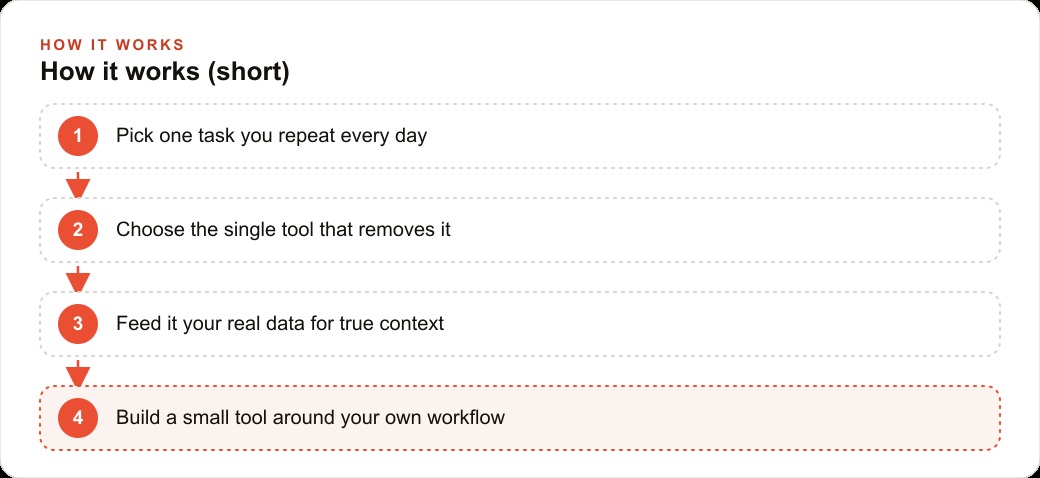
Claude on the Max plan is the primary brainstorming partner, but the key distinction is how it is used. A blank Claude chat session produces general-purpose output calibrated to whatever the model knows about the world. A Claude Project loaded with actual analytics exports, real performance data, and detailed audience notes produces output calibrated to the specific channel or business in front of it.
The difference in output quality between these two configurations is large enough to be the entire argument for Claude Projects. A YouTube producer Project fed with actual channel analytics, video performance data, and audience demographic exports gives advice that applies to this specific channel's actual viewers, not advice that would apply to any channel. When the data includes which topics produced subscriber growth, which titles earned the highest click-through rates in the last 90 days, and which video lengths retained viewers past the midpoint, the channel advice becomes genuinely useful rather than generic.
The same pattern applies to any business domain. A Project loaded with a company's real sales data, actual customer acquisition costs, and genuine performance metrics by channel produces strategy advice that reflects what actually works for this business, not what tends to work in the category generally. The setup step of loading real data is what separates a useful AI advisor from a sophisticated autocomplete.
3. Whisper Flow turns speech into clean text inside any field
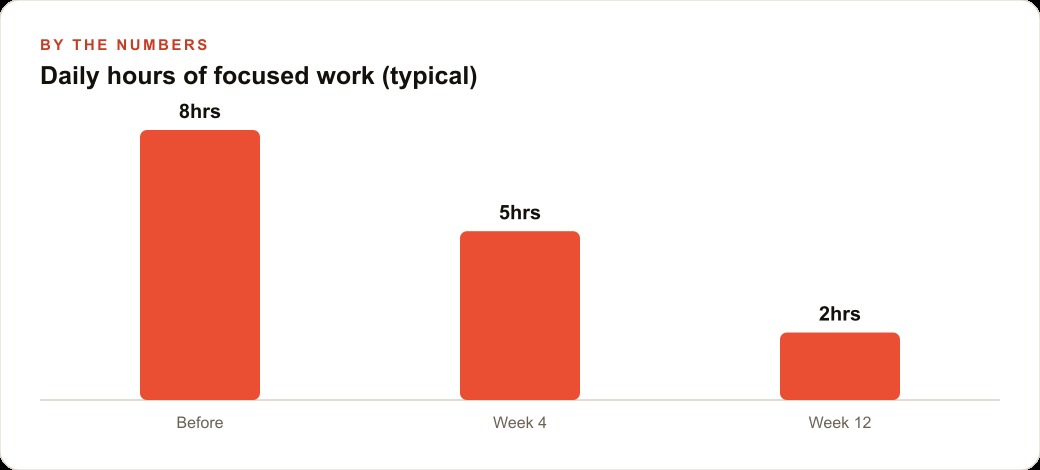
Whisper Flow is a background application that activates on a key combination and types whatever you speak into whatever field your cursor is currently in. A cleanup model runs on the output in near real-time and removes the filler words, false starts, and repetitions that naturally occur in spoken language. The result appears as clean typed text without any manual editing.
The use case is capturing thoughts between tasks without breaking the work rhythm to type. Speaking is faster than typing for most people on extended or complex topics, and the cleanup model means the spoken output does not need to be refined before it is useful. Project notes, draft emails, follow-up reminders, meeting prep, and ideas that occur between tasks all move from head to text without requiring attention to be redirected to a keyboard. The habit of capturing these thoughts rather than losing them accumulates into a significant reduction in the cognitive overhead of keeping track of everything that needs to happen.
For a creator or business owner who is frequently in motion between tasks, calls, and focused work sessions, the ability to speak a thought into any text field without stopping is a meaningful friction reduction that shows up as fewer missed follow-ups and better captured notes.
4. Cursor for building small, private tools that no existing app provides
Cursor sits open at all times and the use is specific: building small private tools that are custom to this workflow and not available through any off-the-shelf product. A journaling application built to match exactly the format used for daily capture. A personal command-center dashboard that pulls together the specific metrics that matter each morning from the specific sources where they live, in exactly the layout that makes them readable at a glance.
This is the part of the stack that requires the most investment to set up but produces the most distinctive leverage once running. The tools that a person builds for their own specific workflow fit better than any consumer product because they were designed for one workflow, not for the average of thousands of workflows. A dashboard built for how this creator actually monitors their business is more useful than any analytics product designed to serve the broadest possible market.
The thesis behind this is worth naming explicitly: people are starting to build small bespoke software to solve their own operational problems rather than buying subscriptions to platforms that only partially fit. That shift is enabled by the same AI coding tools this entire space is built on, and it produces compounding private advantages that competitors cannot easily replicate because they do not know what tools you have built or how you run your operation.
5. Nano Banana inside Gemini for thumbnail iteration without manual edits
Nano Banana, Google's image editing model accessible through Gemini, handles thumbnail iteration through plain-language instructions rather than manual adjustments in a design tool. Make this element larger. Remove the background text. Change the color to match the accent in the top right corner. Each instruction executes immediately and the result is visible without opening a separate application or adjusting sliders.
For a video creator producing thumbnails consistently, this compresses the iteration cycle that used to require alternating between a chat tool and a design tool into a single environment. The final text overlay, which typically needs typographic control that image generation handles less precisely, gets added separately in Canva or a similar tool. The combined workflow is faster than either approach alone because each tool handles what it does best.
For a small business producing social content and paid ad creative consistently, the same pattern applies. Quickly iterating on an image concept through plain-language instructions, then adding precise text overlays separately, produces higher-quality results in less time than either fully manual design or fully AI-generated output without a refinement step.
6. Granola captures every meeting without anyone knowing it is there
Granola runs in the background of any meeting and does not join as a visible participant. It captures a full transcript of the session and produces clean notes with action items after the call ends. Rough notes typed by hand during the meeting get auto-filled with context from the transcript, so the captured output reflects both intentional highlights and accurate detail from the full conversation.
The design choice that makes Granola useful for business calls specifically is the invisible participant approach. Participants behave naturally because there is no AI avatar in this breakdown grid prompting self-consciousness about being recorded and summarized. The meeting quality stays the same while the capture quality improves because the AI has access to the full transcript rather than only what the human managed to note down while trying to participate in the conversation simultaneously.
For a business owner whose decisions get made in client calls, partner meetings, and team check-ins, the gap between what was discussed and what was captured used to be the gap between good follow-through and missed commitments. Granola closes that gap without changing how the meetings run.
7. Feedly with AI alerts, trained over time to surface what you did not know to look for
Feedly serves as a primary source aggregator for company blog content and industry publications, but the AI web alerts are what distinguish it from a standard RSS reader. The alerts surface AI-related news from sources the account has never explicitly subscribed to, drawing from a broader index of web content and filtering by relevance to the topics the account tracks. Over time, the system learns from feedback about which types of content are worth surfacing and which are not, producing a narrowing signal rather than the broadening noise that most algorithmic feeds generate.
For a business owner tracking developments in AI tools, platform policies, and competitor moves, the trained alert system replaces the scattered daily habit of checking multiple sites and accounts manually. The feed becomes a curated briefing built from both subscribed sources and discovered ones. The training investment of consistently rating relevance produces a meaningfully different information environment over several months than what exists at the start.
8. ElevenLabs for a trained voice clone that records ad reads from a script
ElevenLabs hosts a trained voice clone that records weekly podcast ad reads. The workflow is: receive the ad script, drop it into the interface, and the cloned voice records the read. The process takes minutes rather than the recording session, takes, and editing time that manual recording requires for consistent audio quality across every read.
The use case is specific and bounded. It replaces a repeating production task, the weekly ad read, that has a consistent format and a well-defined quality bar. The voice clone meets that quality bar consistently without the session-to-session variation that manual recording introduces. For a creator who produces multiple ad-supported pieces per week, the accumulated time saving is significant.
For any business that produces consistent audio content, a similar approach applies wherever the content follows a predictable format. The investment in training a quality voice clone pays back across every use of it indefinitely.
9. Ask Studio queries your own channel data in plain English
YouTube Studio now includes a built-in AI called Ask Studio that answers questions about the channel in plain language. Which videos gained the most subscribers in the last two weeks? Which topic produced the highest viewer retention in the last 90 days? How has click-through rate changed for the current thumbnail style compared to the previous one?
The answers draw from the channel's actual data rather than from general YouTube advice. The interface removes the need to navigate multiple analytics screens and export data to spreadsheets for analysis. For a creator making content decisions based on channel performance, the ability to ask a direct operational question and get an answer grounded in actual channel data compresses the feedback loop significantly.
The same pattern applies to any platform with built-in analytics AI. The business that asks direct questions about its own performance data and gets synthesized answers rather than raw tables makes better decisions faster because the interpretation step, which is what consumes most of the time in traditional analytics workflows, is handled before the answer arrives.
10. The Comet browser with slash commands that fire an entire research briefing instantly
The Comet browser has Perplexity built into the URL bar as the default search engine, which means every search runs through the same synthesized-answer interface rather than a link list. The more significant capability is slash commands. A saved prompt like /news-review, written once and stored, fires a structured research briefing with a single keystroke.
For a creator or business owner who runs the same research process daily, the slash command removes all the friction between having a research need and executing on it. The prompt is not rewritten each time. It is called by name. The process that produces the output is consistent because the same structured instruction runs every time. The output is comparable across days because the same framework produces it.
For competitive monitoring and market research that feeds paid ad strategy and content planning, a consistent daily research briefing produced by a slash command is more reliable than an ad hoc search that changes in scope and focus based on whatever comes to mind that morning. Consistency in the input produces consistency in the intelligence, which produces more reliable decisions over time.
The real lesson across all ten tools is not about the apps. It is about the approach. Each tool earns its slot by removing a specific task reliably rather than impressing in a demo. Real data loads before any advice is sought. Real workflows get built around specific operational problems rather than general productivity optimization. And the tools that compound in value over time, the ones that learn from consistent use and become more accurate, get preferred over the ones that deliver flat utility from day one.
That is exactly what we do at AI DOERS. Book a private 30-minute call with Madhuranjan Kumar and we will map the fastest path to it for your specific business.
Book your call →
Madhuranjan Kumar
Madhuranjan Kumar brings 20 years of performance-marketing experience and has managed over $200 million in Facebook ad spend for brands across the United States and beyond. His expertise spans the full modern marketing stack: Meta, Google Ads, TikTok, email automation, CRM, and the websites that hold it together. At AI DOERS he turns that track record into lead-generation systems for businesses across every industry.