
NotebookLM Just Got 10x Better: Turn Your Own Documents Into a Smart Business Assistant
Google NotebookLM now grounds its answers in your own files, reads them back as a two host podcast, maps them visually, and quizzes you on them. Here is what each part does for a real business and how I would set it up.

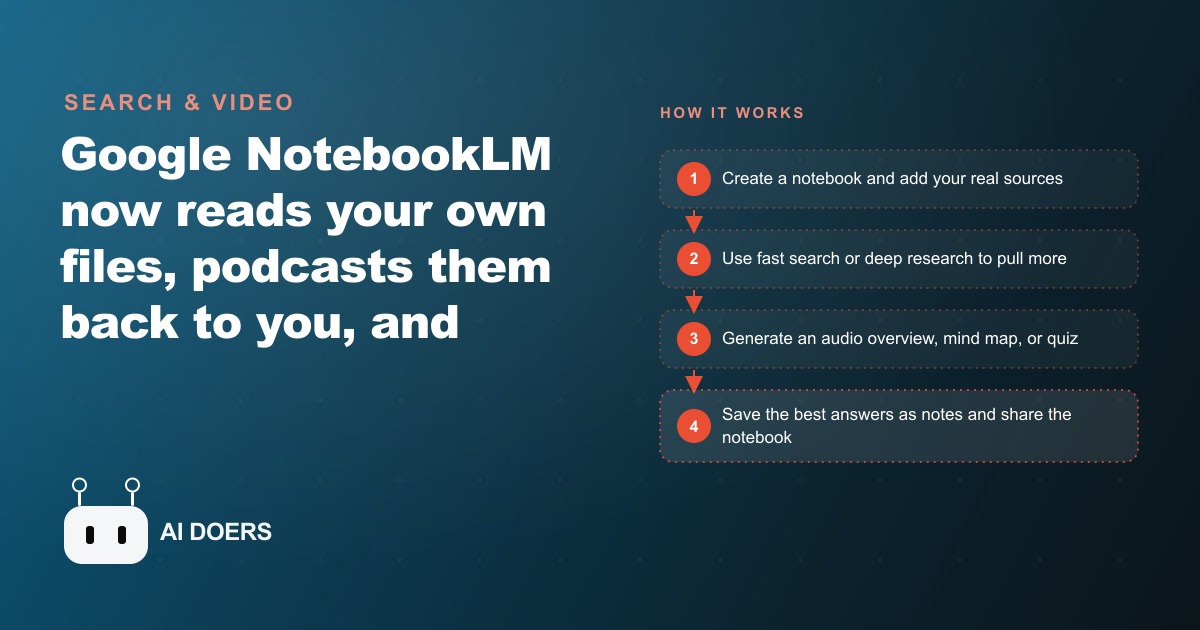
Google's biggest NotebookLM upgrade cycle to date shipped with almost no fanfare, and the tool that came out the other end is substantially different from the one that most users remember from their first encounter with it. I am Madhuranjan Kumar, and what matters about this release is not any single feature. It is that the combination of deep research, multi-format output, and the note-to-source loop crossed a threshold where a business owner, a team lead, or a clinic manager can turn scattered documents into a searchable, shareable knowledge system in an afternoon without any technical setup.
Deep research and multi-format output shipped together, and that changes the starting point
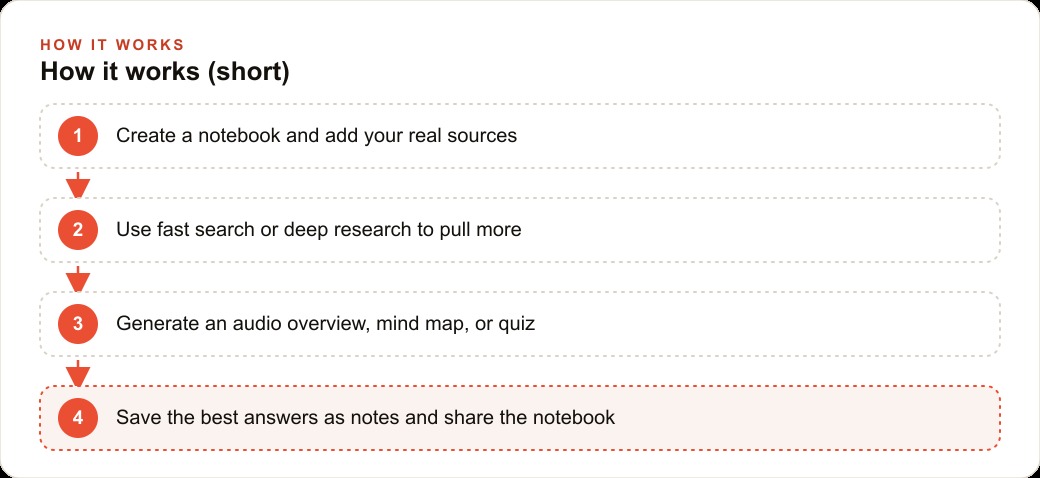
The old version of NotebookLM started from sources you provided. You gathered documents, uploaded them, and the tool answered questions from them. That was useful but limited by the effort required to gather sources before you could do anything. The new version has deep research built in. You describe a topic and choose between fast research, which pulls roughly ten strong sources in seconds, and deep research, which browses hundreds of pages over ten to twenty minutes and synthesizes a sourced briefing across all of them.
That built-in research changes the starting point from "I need to gather sources before I can start" to "I can start and the tool gathers sources while I do." For a business owner researching a new market, a consultant building a client brief, or a marketing team profiling a competitor, the hours that used to go into finding and organizing sources before analysis could begin are largely eliminated. The research and the analysis happen in the same session.
The multi-format output is the second major shift. The old tool gave you text answers in a chat interface. The new version takes the same sources and produces a podcast-style audio overview with two synthetic hosts discussing the material, a mind map that expands interactively from your sources, slide decks in detail or presenter format that download as PDFs, infographics in landscape, portrait, or square for different platform requirements, flashcards, quizzes, and short video presentations with voiceover. All of those outputs draw from the same source set. You upload once and deploy the knowledge in every format your different audiences need.
The timing matters because most businesses are sitting on scattered knowledge that is genuinely valuable but practically inaccessible. A year of customer support tickets that reveal the ten most common misunderstandings about a product. A set of competitor pages that have never been systematically compared. A collection of equipment manuals whose combined knowledge would answer ninety percent of the technician questions that currently go to the service manager. NotebookLM converts that pile into a queryable, listenable, presentable knowledge base in an afternoon, at no cost on the free tier.
The audio overview turns passive knowledge consumption into active learning
The audio overview feature is the one most users either love immediately or have not yet discovered. Two synthetic hosts discuss the material in your sources as a structured back-and-forth, covering main ideas, tensions, and implications in a conversational format that is easy to absorb while commuting, exercising, or doing tasks that do not require full attention. The key addition in the recent update is interactivity: you can interrupt the discussion and ask a question, which the hosts address before continuing where they left off.
For team training and onboarding, this format is more effective than a document because it is designed for audio absorption, not for reading. A new technician who listens to a NotebookLM audio overview of their company's equipment manuals and safety procedures on their commute arrives already familiarized with the material that would otherwise require half a day of reading on their first morning. A manager who needs to brief a new team member on a client engagement can share a notebook with an audio overview that covers the key context in twenty minutes.
The customization options for audio overviews expanded with this release. You can specify the format as a deep dive, a brief, a critique, or a structured debate among the hosts. You can specify the length as short, standard, or long. You can focus the hosts on a single topic within the notebook. Those controls mean you can produce a five-minute audio briefing on one specific question from a large notebook without generating a three-hour deep dive of the entire source set.
The note-to-source loop is the sharpest tool in the release and the most overlooked
The note-to-source workflow is the feature that separates users who get full value from NotebookLM from users who are using it as an expensive version of a document search tool. It works in three moves: highlight text from any output, save it as a note, and convert that note to a source. From that focused source, generate an audio overview, a video, a quiz, or any other format covering only that narrowed content.
A concrete example of why this matters: a deep research pass on seasonal HVAC maintenance returns a substantial briefing covering refrigerant regulations, equipment maintenance schedules, energy efficiency requirements, and technician certification updates. All useful, but a technician preparing for an installation day does not need all of it. They need the refrigerant regulation section. Highlight that section, save it as a note, convert to source, and generate a ten-minute audio briefing on just the refrigerant content. The technician listens to that specific briefing instead of reading a lengthy document for the one section that applies to their current job.
This narrowing capability is also what makes the sharing features work correctly in a business context. After using the note-to-source loop to produce a tight, focused version of a specific topic, you share that notebook in chat-only mode. Team members can query it, getting accurate answers from the focused content, without seeing the full underlying research that may contain competitive analysis, client data, or materials that should stay internal. The separation of queryable knowledge from confidential sources is the operational control that makes NotebookLM safe to use with external stakeholders or in regulated environments.
A bakery can deploy this and a law firm can deploy the same tool for completely different reasons
The range of businesses that the recent upgrade cycle made the tool useful for is worth being concrete about, because the coverage is wider than the tool's association with research and professional services would suggest.
A bakery that loads its allergen information, recipe sheets, opening and closing checklists, and standard customer questions about custom orders into a notebook gets a knowledge base that any counter hire can query on their first day rather than searching paper binders or calling the owner. An audio overview of the food safety and opening procedures becomes the commute-time onboarding content for every new hire. A quiz on allergen handling becomes the competency check before someone works the counter alone for the first time.
A law firm loading case-relevant documents into a client matter notebook gets a paralegal-accessible research assistant that answers questions from the specific case documents rather than from general legal knowledge. A property management company loading lease terms, maintenance procedures, vendor contacts, and common tenant questions gets a first-line response tool that handles routine inquiries without manager involvement.
The common thread across those businesses is that each has valuable knowledge trapped in documents that take time to search and require a person to transmit. NotebookLM removes both friction points. The knowledge becomes queryable by anyone with access to the notebook, in whatever format they prefer for absorbing it, and the updates require only re-uploading the changed document rather than re-training a person or re-writing a manual. For businesses feeding a CRM and website stack that tracks customer interactions, connecting a NotebookLM knowledge base to the customer-facing touchpoints reduces inconsistency between what the knowledge base says and what customer-facing team members communicate. For businesses publishing SEO and organic content that needs to be accurate and specific to the company's actual products and services, a grounded notebook is a reliable source for content that is technically correct rather than generically accurate.
That is exactly what we do at AI DOERS. Book a private 30-minute call with Madhuranjan Kumar and we will map the fastest path to it for your specific business.
Book your call →
Madhuranjan Kumar
Madhuranjan Kumar brings 20 years of performance-marketing experience and has managed over $200 million in Facebook ad spend for brands across the United States and beyond. His expertise spans the full modern marketing stack: Meta, Google Ads, TikTok, email automation, CRM, and the websites that hold it together. At AI DOERS he turns that track record into lead-generation systems for businesses across every industry.