
The New Claude Code Interface Makes Building Apps Genuinely Easy
A clean new coding interface paired with a faster model lets you build real apps by describing them. Here is how it works and how I would use it for a real business.

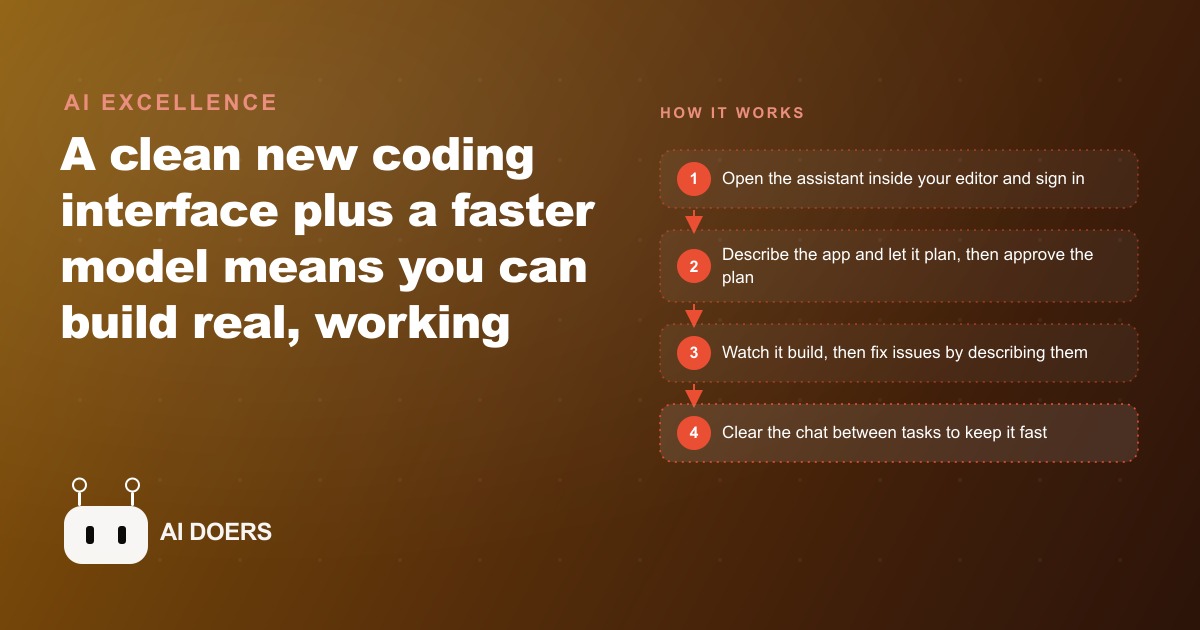
# 7 Things That Changed When Claude Code Moved Out of the Terminal
The terminal has always been a wall for people who did not train as developers. Commands require syntax you do not already know, flags need to be memorized or looked up, and the blinking cursor offers no guidance when you mistype something. Claude Code's shift into familiar code editors as an installable extension does not just make the tool more comfortable to open. It changes what the tool can do, who can direct it, and what categories of work are now within reach for a solo founder, a small business operator, or a non-technical team lead who wants to build something real without hiring someone else to build it for them.
Madhuranjan Kumar has been watching this tool evolve and has tracked how the interface change reshapes the way business owners actually use it in practice. These seven changes are the ones that matter most.
The Tool Now Lives Inside Your Editor, Not in a Separate Window You Have to Configure and Learn
When Claude Code ran only in a terminal, the first barrier was not the AI itself. It was the terminal. You needed to have one open, know how to navigate to the correct directory, understand how to pipe inputs and read outputs, and manage the constant back-and-forth between the terminal window and the files you were actually trying to change. If you were already a developer, that setup cost was invisible. If you were not, it was the reason you stopped trying.
The new interface installs as an extension inside editors like VS Code and Cursor. When you open your project, the tool is already there alongside your files. There is no second application to configure, no separate environment to connect to your working directory, and no translation layer between where the files live and where the model operates.
The practical effect goes deeper than convenience. Because the model lives in the same environment as the project files, it can see the structure you are working with without you having to describe it. You can point at a folder, reference a specific file, or describe a change in the context of what you are already looking at, and the model operates directly on those files rather than on copies you have pasted into a chat window. For anyone managing a project who is not a developer by training, this removes the single most consistent early friction point: getting the tool connected to the actual work rather than operating alongside it at arm's length.
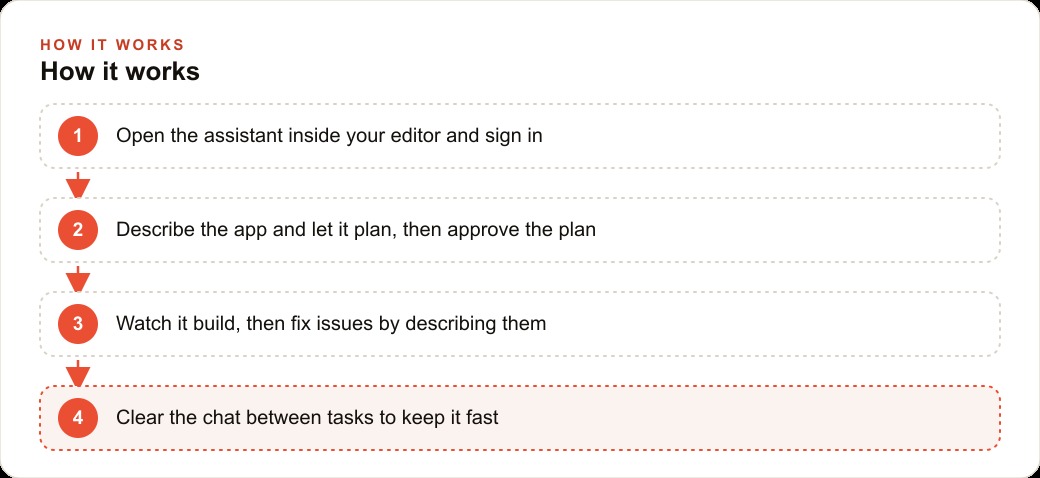
A Progress Panel Shows You Exactly What the Model Is Doing While It Works
The experience of watching an AI tool work used to be opaque by design. You submitted a task, the model began processing, and at some point it returned a result. What happened in between was invisible. You could not tell whether the model had understood the task correctly, whether it was stuck on something unexpected, or whether it was close to finishing. You waited.
The new interface includes a progress panel that updates in real time during every operation. If the model is reading a configuration file, the panel shows that. If it is editing a function inside a specific file, you see the file name and what it is doing there. If it has completed one step and moved to the next, the panel reflects that transition immediately.
This changes the experience from passive waiting to active supervision. The distinction matters commercially. When you can see what the model is doing, you can catch misunderstandings before they become expensive to undo. If the model is reading a file you did not intend it to touch, you notice while it is still in progress, not after reviewing a completed output that went in the wrong direction entirely. If the sequence of steps looks wrong, you can stop and correct early rather than at the end when the work has already been built.
For business owners who are directing projects but not writing the code themselves, this visibility is one of the most practically useful changes in the new interface. It gives non-technical operators a real mechanism for staying informed and catching problems while they are still cheap to fix.
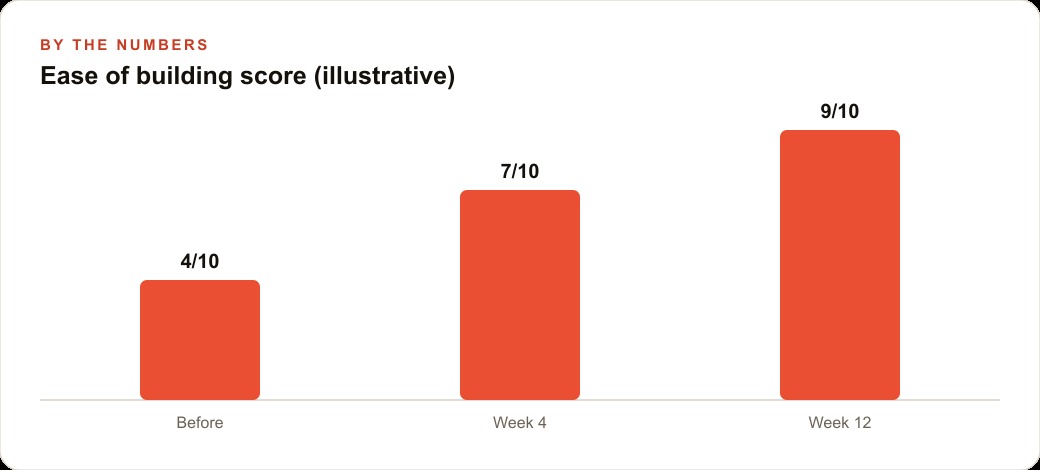
Reading and Editing Multiple Files at the Same Time Expands the Range of Projects That Are Practical
Single-file changes are the easy case. The real complexity in most business applications comes from projects where a change touches multiple files at once. Update a function that is referenced in five places, change a data structure that flows through three modules, or build a new feature that requires a configuration file, a data layer, and a template to all work together, and the single-file model starts to strain.
The new interface allows the model to read and edit multiple files simultaneously. Instead of a sequence of single-file operations that you have to thread together manually, describing what to carry over from one file to the next, the model handles the dependency tracing itself. You describe the goal at the level of what you want the finished system to do. The model figures out which files need to change, in what order, and how the changes relate to one another.
For a non-technical operator, this is the difference between describing an outcome and having to understand the technical architecture well enough to direct each individual step. A business owner who can clearly describe what a tool should do but cannot map that description to a file-by-file change sequence is now a viable director of that work. The model holds the architecture in mind so the person directing it does not have to. The category of projects that are practically within reach for a non-developer expanded significantly with this change.
The Model Monitors Its Own Context Usage and Trims What It No Longer Needs Before Running Out
Context windows in AI tools have a fixed size limit. When a model uses up all of its available context, quality degrades in visible ways: it loses track of decisions made earlier in the session, starts repeating work it has already done, or produces outputs that contradict constraints established at the start. Managing context used to be the user's job. You watched for signs of drift and cleared the chat at the right moments.
The new interface shifts that responsibility to the model itself. Claude Code now monitors its own context usage in real time and actively trims content it has determined is no longer needed for the current task. Earlier conversation turns that established context but are no longer directly relevant get compressed or removed, keeping working memory focused on what matters right now.
There is one behavioral pattern that is worth understanding clearly because it affects quality. Even with active trimming, a model nearing its context limit can start to rush through steps it would otherwise handle carefully. The work can become faster and less precise toward the end of a long session. The practical fix is simple and reliable: clear the chat when you notice this happening. The model does not hold irreplaceable state between sessions. A brief description of the project context at the start of a new session and the model is back to full quality. Knowing this pattern exists means you can address it deliberately rather than being confused by a quality drop that seems unexplained.
Plan Mode Lets You See and Approve the Entire Approach Before the Model Writes a Single Line
The most commercially significant addition to the interface is plan mode. Before it existed, giving the model a complex task meant accepting that it would begin executing immediately. You had no window into the intended approach before work was already underway, which meant a misunderstood requirement could translate into a significant amount of work that needed to be discarded and redone.
Plan mode inverts this sequence entirely. When you activate it and describe a task, the model reads the available context, develops a structured plan for how it will approach the work, and presents that plan before taking any action. The plan names the steps it intends to take, identifies the files or components it expects to modify, and explains the logic behind the sequence it has chosen.
You review the plan. You can ask questions about it, push back on a specific step, flag a constraint the model did not account for, or ask it to consider a different approach before anything gets built. Only after you explicitly approve the plan does the model begin work.
For anything beyond a simple single-file edit, plan mode is now the recommended default way to start a task. It surfaces misunderstandings at the cheapest possible moment, which is before any work has been done. It also disciplines the requirement description process in a useful way: if you cannot evaluate whether a proposed plan makes sense, you probably need to be more precise about what you want before approving it. The planning conversation itself becomes a form of scope alignment that saves time later.
Describing a Problem Out Loud or Pasting an Error Message Is Now a Fully Supported Debugging Strategy
The old model assumed the person using the tool could read code well enough to diagnose problems. When something broke, your job was to inspect the output, identify what had gone wrong, and either fix it yourself or translate the problem into a prompt the model could act on. That translation required a level of technical literacy that many business operators do not have.
The new interface removes that assumption in a direct way. When something does not work, you can describe the failure in plain language without any technical framing at all. "The form submits but nothing gets saved." "This button works on a desktop browser but does nothing on a phone." You can also paste the exact error message or stack trace directly into the chat without interpreting it first.
The model uses that description or that error output to trace the failure back to its source, identifies the actual cause, and proposes a fix. You do not need to understand the error message format or know what a stack trace is or read the code to locate the problem. You need to be able to say what the expected behavior was and what actually happened instead.
For business owners who maintain tools they did not build originally, this is the change that makes ongoing iteration genuinely manageable without needing a developer for every debugging cycle. The maintenance cost of a working tool drops significantly when debugging it does not require technical expertise.
The Same Engine That Builds Code Can Run Business Workflows That Have Nothing to Do with Writing Software
Coverage of Claude Code tends to emphasize its software development applications, and those are real. But the underlying mechanism is not specific to code at all. A model that reads inputs, reasons through a sequence of steps, executes operations, and produces a structured output applies equally to non-coding business workflows: processing a weekly report, triaging a backlog of customer inquiries, extracting structured data from a set of documents, summarizing research across multiple sources, or running a workflow that chains several of those operations together in sequence.
The editor-based interface makes this practical for the same reason it makes coding accessible: everything is in one place and the same mental model applies across different task types. Once you have used plan mode to approve a software build, the same approach to directing the model through a data processing workflow or a document summarization task feels natural rather than foreign.
Here is a concrete illustration. A dental practice with two locations needed an automated recall reminder tool. The owner needed the system to identify patients overdue for a cleaning and send a personalized reminder email on a weekly schedule. The requirement was simple to describe in plain language. Using plan mode, the model proposed a three-step approach, named the files it would create, and showed the logic it would use for the patient filtering. The owner reviewed the plan, asked one clarifying question about how the overdue threshold was defined, got a direct answer, and approved. A working prototype was running in under an hour. A developer quote for the same task had come in at $900 with a two-week turnaround.
The practice now sends recall reminders automatically every week. Administrative staff estimate they were spending five to six hours per week on manual patient outreach for the same purpose. That time is now available for other work. The interface did not change what the underlying model is fundamentally capable of doing. What it changed is who can direct it successfully and what the practical cost of building with it is for someone who is not a developer.
That is exactly what we do at AI DOERS. Book a private 30-minute call with Madhuranjan Kumar and we will map the fastest path to it for your specific business.
Book your call →
Madhuranjan Kumar
Madhuranjan Kumar brings 20 years of performance-marketing experience and has managed over $200 million in Facebook ad spend for brands across the United States and beyond. His expertise spans the full modern marketing stack: Meta, Google Ads, TikTok, email automation, CRM, and the websites that hold it together. At AI DOERS he turns that track record into lead-generation systems for businesses across every industry.