
How to Run Your Claude Code Project in Codex Without Rebuilding It
Point Codex at the same project and let it create an agents.md from your CLAUDE.md, a .codex config, and a .agents folder for skills, because the only real difference between the tools is filenames, not the shared knowledge underneath.

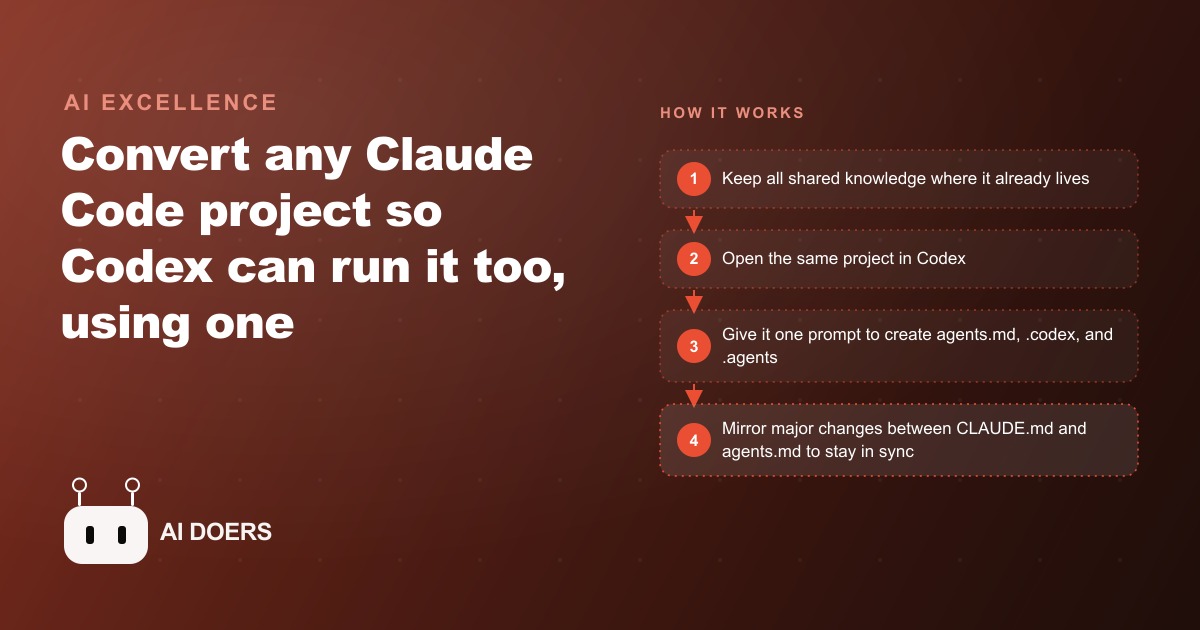
A Claude Code project and a Codex project share more than most people realize. The knowledge, the shared scripts, the reference files, and the skills are identical in structure. The only real difference is where each tool looks for its instruction file and its configuration. That means any project built in one can run in the other with a single conversion prompt and a ten-minute maintenance habit. I am Madhuranjan Kumar, and here is the specific list of steps.
1. Understand that the difference between the tools is filenames, not the knowledge underneath
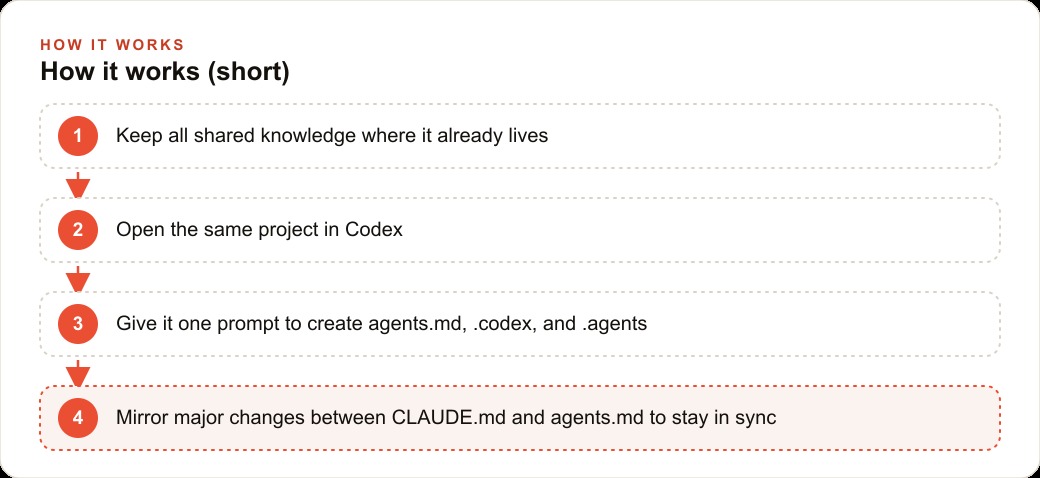
Claude Code reads a CLAUDE.md instruction file and looks for skills and agents in a .claude folder. Codex reads an agents.md instruction file and looks for its configuration in a .codex folder and skills in a .agents folder. Everything else in the project, the documents, the reference files, the scripts, the archives, and the shared codebase, is identical across both tools. The conversion is a naming and location exercise, not a rebuild.
2. Map your project into three layers before converting
Think of the project in three layers. The shared layer is every file that both tools can read without any changes: documentation, reference materials, scripts, and any content that is not tied to either tool's specific folder structure. The skills layer is the set of reusable process files: these are markdown files with YAML front matter in both tools, so only the folder location differs. The config layer is the tool-specific instruction file and settings, which need actual conversion. The shared layer, usually the largest part of any real project, requires zero work.
3. Use one prompt to create Codex's instruction file from CLAUDE.md
Open the project in Codex and give it a single natural-language prompt: this project was built using Claude Code, I need you to use it too, so create an agents.md from my CLAUDE.md, set up the .codex config folder, move the skills to .agents, and consult both tools' documentation before starting so you do not miss any differences. The agent reads its own documentation, maps each element to the correct location, and produces a working setup in one session. No hand-editing required.
4. Move skills by changing the folder, not the format
Skills are markdown files with YAML front matter in both Claude Code and Codex. The content is identical. The location changes: Claude Code skills live in .claude/skills/, Codex skills live in .agents/. Copy each file into the correct location. The format does not need to change.
5. Convert agents from markdown to TOML
If the project uses agents beyond simple skills, the format differs between tools. Claude Code agents are markdown files. Codex agents are TOML files. The conversion translates the same information into a different format. Ask the agent to handle this translation as part of the initial conversion prompt rather than doing it manually.
6. Run both tools in parallel inside the same project folder
Once both instruction files exist, open one terminal for Claude Code and one for Codex inside the same project directory, or use their VS Code extensions side by side. Both tools read their own instruction file and their own skill folder while sharing the underlying project files. Neither overwrites the other's configuration.
7. Build a session handoff skill early
A handoff skill summarizes the current conversation, the active files, the decisions made so far, and the next steps in a format that can be pasted into the other tool as a starting context. Without it, switching between tools requires rebuilding context from memory, which takes fifteen minutes and introduces gaps. With it, the switch takes under two minutes. Build this skill before the first time you need to use it.
8. Sync both instruction files whenever you make a meaningful change
This is the maintenance habit that determines whether the setup stays useful. When a meaningful change is made to CLAUDE.md, mirror the same change into agents.md the same day, and vice versa. When a new skill is added to the Claude Code skill folder, add it to .agents as well. This sync takes two minutes per update. Skipping it for three months means one tool is working from a stale instruction set that no longer reflects the real project.
9. Route tasks by tool strength, not by habit
The reason to maintain both tools is not just backup. It is routing. Each tool has relative strengths on different task types, and those strengths shift with each model update. A long planning session, a complex multi-file refactor, or a task that requires extended reasoning may perform differently in each tool depending on current model capabilities. Using both regularly develops the intuition for which to reach for first on each type of task. That routing instinct is the compounding benefit of the dual-tool setup.
10. Use both tools regularly, not only when one is stuck
The people who get the most from this setup are the ones who use both in normal rotation, not only as a backup when one is struggling. Regular use keeps both instruction files current, maintains the routing instinct, and means that when one tool has a difficult day, the switch is practiced and clean rather than rushed and unfamiliar. A setup tested only in emergencies is a setup that fails when it matters most.
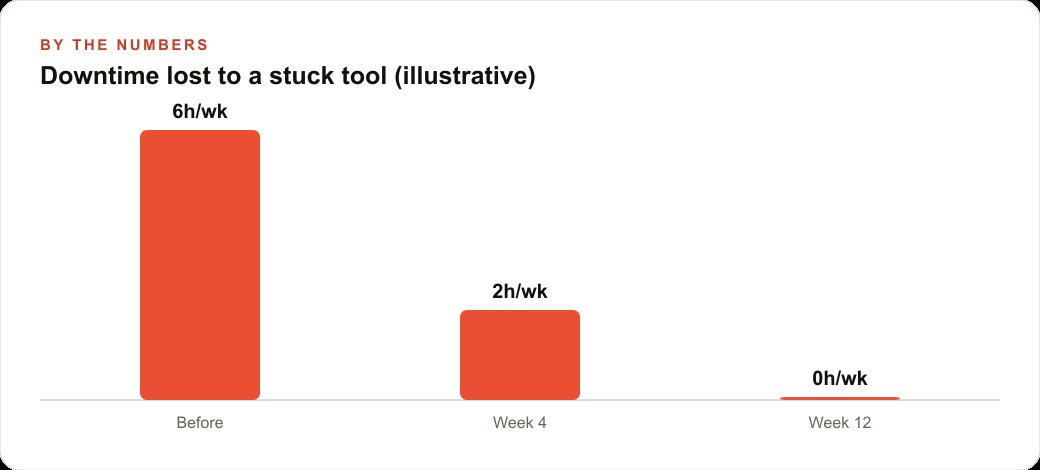
The dual-tool approach matters most for any operation where a development stoppage has a real cost: a business with an active SEO-driven content pipeline that depends on maintained automation, or a CRM and website operation built on custom tools that need continuous iteration. In both cases, the setup cost is one conversion prompt plus a ten-minute maintenance habit. The recovery value, measured the first time a tool is struggling and the project keeps moving anyway, pays back the investment immediately.
That is exactly what we do at AI DOERS. Book a private 30-minute call with Madhuranjan Kumar and we will map the fastest path to it for your specific business.
Book your call →
Madhuranjan Kumar
Madhuranjan Kumar brings 20 years of performance-marketing experience and has managed over $200 million in Facebook ad spend for brands across the United States and beyond. His expertise spans the full modern marketing stack: Meta, Google Ads, TikTok, email automation, CRM, and the websites that hold it together. At AI DOERS he turns that track record into lead-generation systems for businesses across every industry.