
How To Run a Real AI Model on Your Phone, Fully Offline and Free
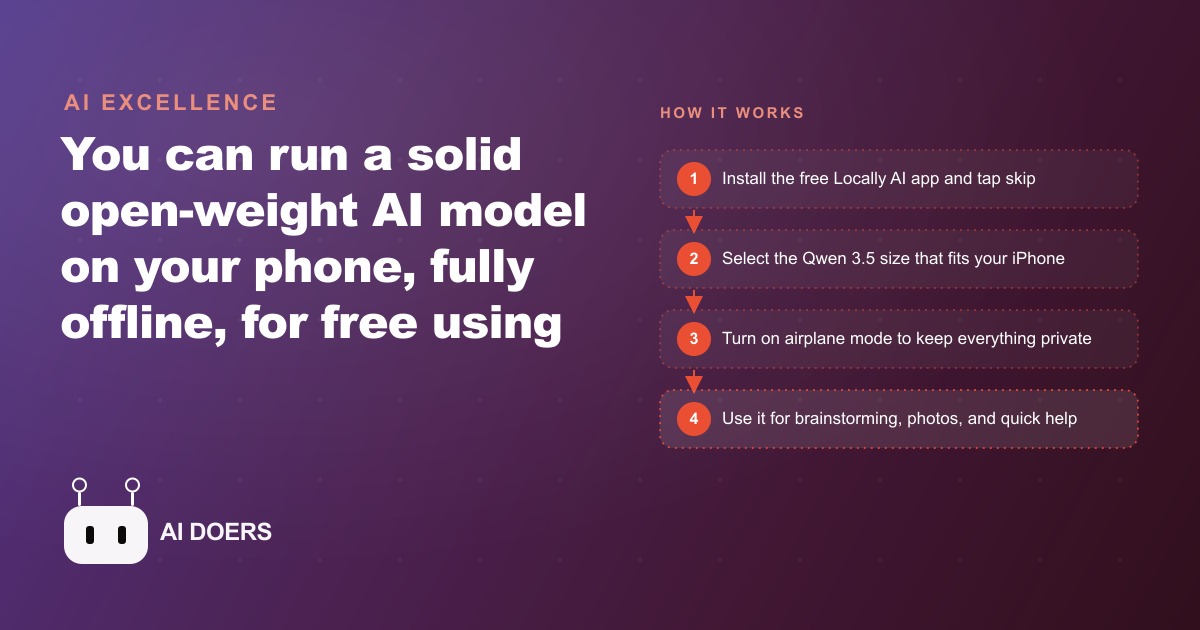
The free Locally AI app runs the new Qwen 3.5 open-weight model directly on a recent iPhone, with thinking, vision, and voice, all in airplane mode. None of your prompts ever leave the phone.

The field problem: an AI that needs Wi-Fi is useless in a crawl space
I want to tell you about a plumbing company owner named Marcus who started using AI tools for his business about fourteen months ago. The desktop experience was good. He could ask the AI to help draft a service agreement, estimate labor hours, or write a seasonal promotion for his email list. He got comfortable with the pattern: pull out the laptop, ask the question, use the answer.
Then one of his technicians called from a job site during a crawl space inspection. The technician had found an unfamiliar valve assembly and wanted guidance on whether it was a pressure-reducing valve or a pressure-sustaining valve, because the repair approach was different and the parts he needed to order were different. The call lasted six minutes. Marcus eventually identified the assembly from a description and the technician's rough estimate of the fitting dimensions. Six minutes is not long, but Marcus knew it would have been thirty seconds if the technician had been able to photograph the valve and ask an AI directly on-site. The problem was that the crawl space had no signal, and the AI tools his technician had on his phone required a constant internet connection to work.
That call is what made Marcus look for an AI that could run entirely on the device. He found what he was looking for in a free iPhone app called Locally AI, paired with a recently released open-weight model called Qwen 3.5. What follows is what changed over the three months after he started deploying it across his crew.
Finding Locally AI and picking the right model size
Locally AI is a free app in the App Store that hosts open-weight language models directly on the device. At the time Marcus found it, it carried a 4.8-star rating across nearly six hundred reviews, which is an unusually strong signal for a utility app with a technically sophisticated premise. The app's premise is simple: the model downloads once, lives on the phone, and runs without any network connection at all. No prompts are sent to a server. No data leaves the device. No account is required.
The model Marcus chose was Qwen 3.5, which Alibaba's research team released with four distinct size options to accommodate different hardware. The sizes correspond to parameter counts: 800 million, 2 billion, 4 billion, and 9 billion. Each size has a different hardware requirement. The 800 million parameter version runs on an iPhone 14 or newer, so it covers the broadest range of devices. The 2 billion parameter version requires an iPhone 15 to run smoothly. The 4 billion parameter version requires an iPhone 15 Pro or a newer model with the additional neural engine capacity those chips provide. The 9 billion parameter version requires current-generation hardware to run without significant slowdown.
Marcus had three iPhone 15 Pro models on his team and two older iPhone 14 handsets. He downloaded the 4 billion parameter model on the three newer phones and the 800 million parameter model on the two older ones. The download takes a few minutes on a home or office connection and then the model is ready for offline use indefinitely. There is no subscription, no usage meter, and no recurring charge of any kind.
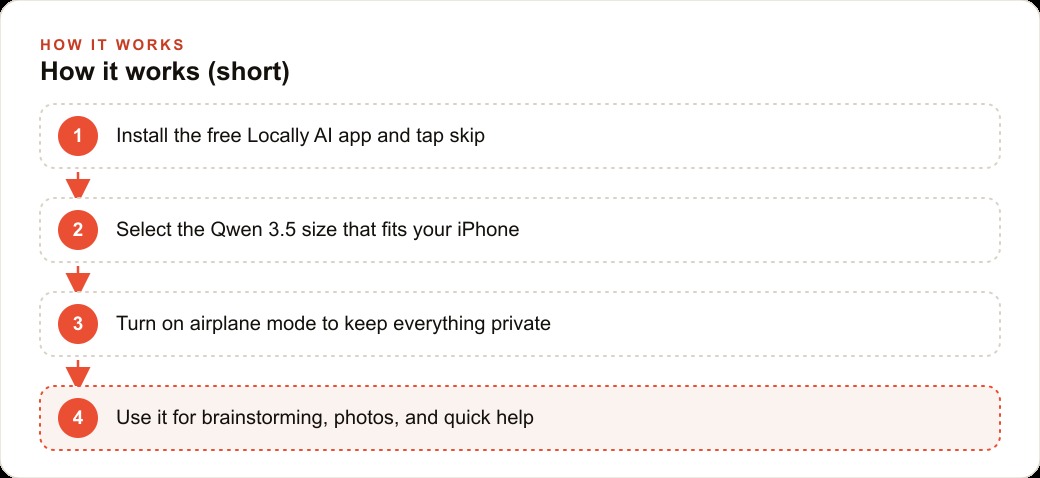
The setup process in the app is deliberately minimal. After the opening screen, tapping skip bypasses any account-creation step and takes you directly to the model selection screen. You choose the size that matches your hardware, wait for the download to complete, and the model is ready. The whole process takes about four minutes on a reliable connection.
The first test: turning airplane mode on and watching it answer
Marcus's first test was deliberate. He wanted to verify the offline claim before relying on it in the field, so he opened the app, turned on airplane mode before typing anything, and submitted the same question he had struggled to answer on that six-minute call: a description of a valve assembly with the fitting dimensions and a photo taken on a previous visit to a similar property. He photographed the printed spec sheet on his desk and attached it to the question in the app's vision interface.
The response came back in about twelve seconds. The model correctly identified the assembly type, described the difference between the pressure-reducing and pressure-sustaining configurations, and listed the key diagnostic step for confirming which type was installed without disassembling it. Marcus checked the answer against a reference book he keeps in his truck. The model was correct.
That twelve-second response, delivered with the phone in airplane mode, with a photo attached, and no internet connection of any kind, was the moment Marcus decided to roll this out across the crew. Not because the model was perfect, but because it was good enough for the specific task where a cloud-connected AI completely failed: a question in a location with no signal, with a visual component, requiring an answer in under a minute.
The vision capability deserves attention because it expands the use case significantly beyond text questions. Field workers regularly encounter labels they cannot read clearly, equipment markings in awkward locations, and diagrams on worn specification sheets. The ability to photograph those materials and ask the AI about them on-device, without needing signal and without the photo leaving the phone, covers a category of field lookup that no cloud-connected tool can address reliably in low-signal environments.
What the 4B model actually handles well and where it stumbles
Three months of daily use across a five-person crew gave Marcus a detailed picture of where the 4 billion parameter model consistently earns its place and where it falls short.
The model handles well: identification questions where a photograph or a clear description gives it enough to work with. Procedural guidance for standard tasks where the steps are well-documented in its training data. Rephrasing assistance when a technician needs to explain a repair to a homeowner in plain language. Brainstorming for routine business questions, such as a list of seasonal maintenance reminders to include in a customer email or alternative ways to phrase a quote for a sensitive repair. Summarizing notes from a job visit into a draft follow-up message. All of those tasks run quickly and produce results that are immediately useful in a field context.
The model stumbles on multi-step logical problems where the reasoning chain is long and the intermediate steps depend on precise domain knowledge the model may not have internalized correctly. Complex arithmetic under time pressure, where the model will produce an answer with apparent confidence that turns out to be slightly wrong on a specific calculation. Highly specific local code questions, such as whether a particular fitting type meets the current municipal code in a specific jurisdiction, where the training data may not reflect recent amendments. Any task that requires the model to remember something from a previous conversation that has since been discarded from its context window.
The 800 million parameter model that Marcus deployed on the two older phones is useful for simpler lookups, voice queries, and brainstorming, but produces noticeably weaker responses on identification questions with complex specifications. If Marcus were making the decision again knowing what he knows now, he would standardize on the 4 billion parameter model across the whole crew and upgrade the two older handsets as the hardware cycle comes around, because the capability difference on field-relevant tasks is meaningful enough to matter in practice.
The on-device privacy guarantee and why clients notice it
One of the unexpected outcomes from three months of deployment was a change in how homeowners responded when Marcus or his technicians mentioned using AI tools on-site. The early months, when Marcus was using cloud-connected tools on a tablet at his desk, produced occasional questions from clients about whether their home information was being sent anywhere. He deflected those questions by explaining that he was using reputable services with good privacy policies, which was true but did not fully address the underlying concern.
After the switch to on-device AI, the answer changed. When a homeowner asked what the technician was doing with his phone in the crawl space, the honest answer became: taking a photo of your valve assembly and asking an AI tool running entirely on this phone, which has no internet connection right now, and the photo never leaves the device. That answer consistently produced a different kind of response from homeowners than the cloud-AI explanation had. Several explicitly said they preferred it. One homeowner, a lawyer, asked Marcus to explain the architecture in more detail because she was considering a similar approach for her own business.
The privacy benefit is not theoretical. Homeowners regularly let plumbing technicians see the interior of their homes, their utility rooms, their crawl spaces, and their mechanical rooms. A photo taken in those spaces carries some implicit information about the home's layout and systems. The fact that those photos do not leave the device is not a marketing point for Marcus. It is an honest answer to a genuine concern that clients increasingly raise when they notice AI tools being used during service calls.
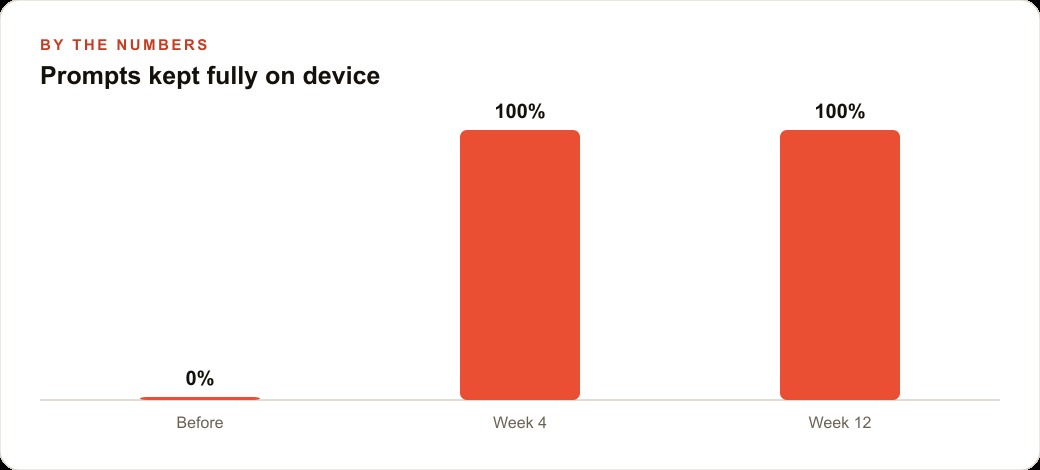
The privacy guarantee is structural, which is what makes it credible. It is not a policy statement that a company could change. It is a technical fact about where the computation happens. The model runs on the phone's processor using locally stored weights. There is no network request to make, and therefore no point at which the data could be intercepted, stored, or used for training.
Three months of daily use: what changed on the job site
After three months, Marcus identified four specific changes in how his crew operated on job sites.
The first change was the elimination of the identification call. Before the on-device AI, unfamiliar equipment meant either a call to Marcus, a call to a supplier, or a best guess. After the deployment, the identification call dropped to near zero for any equipment question that could be answered with a photo and a plain-language description. The 4 billion parameter model correctly identified the large majority of standard residential and light commercial plumbing equipment the crew encountered.
The second change was the quality of homeowner communication. Technicians who struggled to explain technical issues to homeowners in plain language started using the model as a rephrasing assistant. They would type a technical summary of the problem and ask the model to rephrase it for a non-technical audience. The homeowner-facing explanation improved noticeably, which Marcus correlated with a modest improvement in customer satisfaction scores over the three-month period.
The third change was the speed of quote documentation. After a job assessment, technicians started dictating a quick summary to the model using voice mode and asking it to organize the summary into a structured format they could review and send as a quote. The time between completing an assessment and sending a written quote dropped, which Marcus believes contributed to higher quote acceptance rates in the third month compared to the first.
The fourth change was the most subtle. Technicians became more confident asking questions on unfamiliar jobs because they had a reference tool that did not require admitting uncertainty to a supervisor or a supplier. That confidence reduced the number of hesitant calls Marcus received from the field and improved the crew's overall decision speed on jobs where the standard approach needed adaptation for an unusual situation.
The numbers case for zero-subscription AI on a field crew
The financial case for on-device AI on a field crew is simpler than it might appear. The cost is zero ongoing. The Locally AI app is free. The Qwen 3.5 models are open-weight and free. The download is free. There is no API key, no subscription, and no usage limit. The only cost is the time to download and configure the models on each device, which is about fifteen minutes per phone including the download time on a decent connection.
Against that zero cost, Marcus estimates the following benefits across five technicians over the three-month period. Identification calls to him and to suppliers dropped by roughly eight per week, with an average call duration of five minutes. That is forty minutes of combined call time recovered per week, or roughly twelve hours over the quarter. At a fully loaded cost of around forty dollars per field hour, twelve hours represents about four hundred eighty dollars in recovered productive capacity, against zero subscription cost.
The quote documentation speed improvement is harder to quantify precisely but directionally real. If each technician sends one quote per day and the time to produce each quote dropped by an average of ten minutes, that is fifty minutes per day across the crew, or roughly sixteen hours per month. At the same loaded cost, that represents a meaningful recovery in billable time per month.
These are illustrative estimates based on Marcus's own observations, not audited figures. But the direction is clear: a tool that costs nothing in subscription fees, reduces inter-team communication friction, and accelerates two routine tasks that happen multiple times a day per technician produces a positive return the first week it is deployed.
The model's limits are real, and Marcus is clear about them with his crew. It is not a replacement for the supplier hotline on genuinely unusual equipment. It is not reliable for local code questions on recent amendments. It is not a substitute for Marcus's own judgment when a job requires senior experience. But for the large volume of routine identification questions, rephrasing needs, and documentation tasks that occur every day across a field crew, it handles them faster and with less friction than any alternative, and it does so without an internet connection, without a subscription, and without a single byte of data leaving the device.
One practical note for anyone rolling this out: if a long conversation starts to slow down between jobs as the context window fills up, starting a fresh chat clears the accumulated context and keeps replies fast. The slowdown is not the model failing. It is the growing context taking more compute to process on a phone chip. A fresh conversation for each new task or job site keeps everything snappy throughout the day.
That is exactly what we do at AI DOERS. Book a private 30-minute call with Madhuranjan Kumar and we will map the fastest path to it for your specific business.
Book your call →
Madhuranjan Kumar
Madhuranjan Kumar brings 20 years of performance-marketing experience and has managed over $200 million in Facebook ad spend for brands across the United States and beyond. His expertise spans the full modern marketing stack: Meta, Google Ads, TikTok, email automation, CRM, and the websites that hold it together. At AI DOERS he turns that track record into lead-generation systems for businesses across every industry.