
The 5 Building Blocks That Turn an AI App Idea Into a Real Tool
Sign in, database, storage, scheduled jobs, and APIs are the five concepts behind almost every app. Here is what each one does and how I would use them to build a tool for a real business.

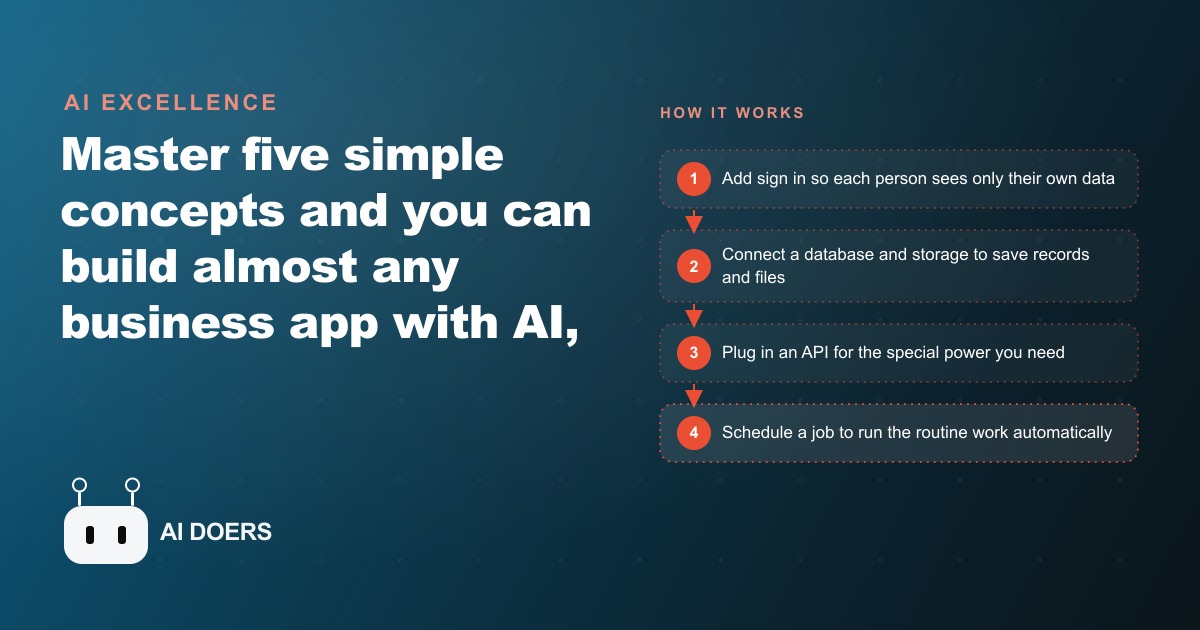
Five concepts sit underneath almost every app you use every day, and none of them are as technical as they sound. I am Madhuranjan Kumar, and I have watched business owners convince themselves that building a custom tool is beyond them, then build a working one in an afternoon after someone explains these five ideas clearly. Here is each one taken apart so you understand not just what it is but why it matters and how it would show up in a real business app.
Sign in is the boundary between a website and a product
A website shows information to anyone who visits. An app has accounts, which means it knows who you are and can give you something personal: your data, your history, your preferences, your access level. Sign in, or authentication, is the mechanism that creates and enforces that boundary.
When someone enters a username and password, the app checks those credentials against what it stored when the account was created, and if they match, it grants access. Behind the scenes this usually involves a session token, a short-lived key that proves who the person is for the duration of their visit, so they do not have to re-enter their password on every page.
The reason sign in matters for a business app is simple: without it, everyone who visits sees the same thing, which means you cannot have private customer records, staff-only views, or personalized dashboards. The moment your app needs to remember anything specific to a person, you need authentication. Every SaaS tool you pay for is built on this concept, and the vibe coding tools available today can set up a working sign-in system with a few sentences of instruction.
A database is where business knowledge lives between sessions
A database is an organized place to save information and retrieve it later. The critical word is retrieve: unlike a text file, a database lets you ask specific questions about what you stored. Find all the jobs with status open. Show me every customer who has not responded in 14 days. List the products with stock below 10 units. A database makes those questions answerable in milliseconds across millions of records.
For a business app, the database is the spine. It holds your customer records, your transaction history, your inventory, your appointments, your notes. Every time someone submits a form, books a session, or places an order, the database captures and stores that action. Every time someone needs to review a record, generate a report, or trigger a follow-up, the database is where the information comes from.
The thing that trips people up is thinking a database is exotic. It is not. A spreadsheet is a simple database, just one without the ability to handle many users at once or to run complex queries quickly. The apps you use daily, booking systems, CRMs, inventory trackers, are databases with an interface on top. Building a custom app often means building a database shaped exactly for your specific workflows rather than forcing your data into the categories a generic tool provides.
For a business already using a CRM and website stack, the database question is partly already answered. The customer records and interaction history in your CRM are a database. A custom app can read from and write to that database, extending it with the specific fields and logic your workflow needs without replacing the parts that already work.
Storage holds the files that the database cannot
A database stores structured data: text, numbers, dates, status codes. It does not store images, PDFs, audio recordings, or video files. Those live in storage, a separate system designed to hold large files and make them retrievable by a link or an identifier.
Think of storage as each user getting their own little drive inside your app. A customer uploads a photo of their receipt; it goes to storage and the database records the link to it. A contractor takes a job-site photo; it goes to storage and the job record in the database points to it. A patient uploads a document for intake; it goes to storage and the record links it to their profile.
Without storage, any app that handles files either has nowhere to put them or forces you to describe them in text, neither of which works for real business use. With storage, files become permanent, searchable parts of the record. And because storage is billed by the amount you use rather than by the size of the database, it scales gracefully as the volume of files grows.
Modern storage services handle security, redundancy, and access control without you managing servers. The result is that a file uploaded through a vibe coding tool is as safely stored as a file on any enterprise system.
Scheduled jobs are the employees who never clock out
A scheduled job, sometimes called a cron job, runs code automatically at a set time without anyone initiating it. Every morning at 8 AM, compile last night's orders and email the summary. Every Friday at 5 PM, check which client projects have no activity this week and flag them. Every hour, pull the current inventory levels and update the dashboard.
These are all things that a person would have to do manually without a scheduled job. With one, they happen reliably whether or not anyone remembers, and they happen at the exact time they are most useful rather than whenever someone finds a moment to run them.
For a business, scheduled jobs are the invisible backbone of consistent operations. The reminder emails that go out before appointments. The nightly report that lands in the owner's inbox. The weekly inventory alert that prevents a stockout. Every one of those is a scheduled job, and every one of them represents time that would otherwise be spent by a person doing something repetitive.
The reason scheduled jobs belong in any list of core app concepts is that without them, an app is reactive: it only does things when someone asks. With scheduled jobs, an app becomes proactive, running the routine work that keeps a business moving without waiting for human initiation. That shift from reactive to proactive is one of the clearest lines between a tool and a system.
APIs are the shortcut to every capability you would otherwise spend months building
An API is a connection that lets your app borrow a capability from another service. Instead of building your own payment system, you connect to Stripe's API and Stripe handles the transaction, the fraud detection, and the receipt. Instead of building your own mapping system, you connect to a maps API and get turn-by-turn directions. Instead of building your own transcription service, you connect to a transcription API and get text from audio in seconds.
APIs are billed by use, usually pennies per call, and they make your app far more capable than anything you could build from scratch in a reasonable time. The combination of capabilities available as APIs today covers almost every function a business app would need: messaging, payments, scheduling, mapping, translation, transcription, document generation, identity verification, and dozens more.
The practical workflow for finding an API is exactly what a vibe coding AI can help with. Describe the capability you need in plain language, ask the AI to find a service that provides it, look for one with a free tier or low per-call cost and a playground where you can test before committing, and integrate using the API key the service provides. That key is a private credential that belongs in a configuration file the app reads at startup, never in the code itself where it could be seen.
For a business that already invests in Google Ads or Facebook and Instagram ad campaigns, this concept applies directly. The tracking pixels and conversion APIs those platforms provide are exactly the kind of external capability your website and CRM connect to. The fact that you already use API-connected tools means you have already seen the pattern; building a custom app just means being on the side that creates the integration rather than only the side that installs it.
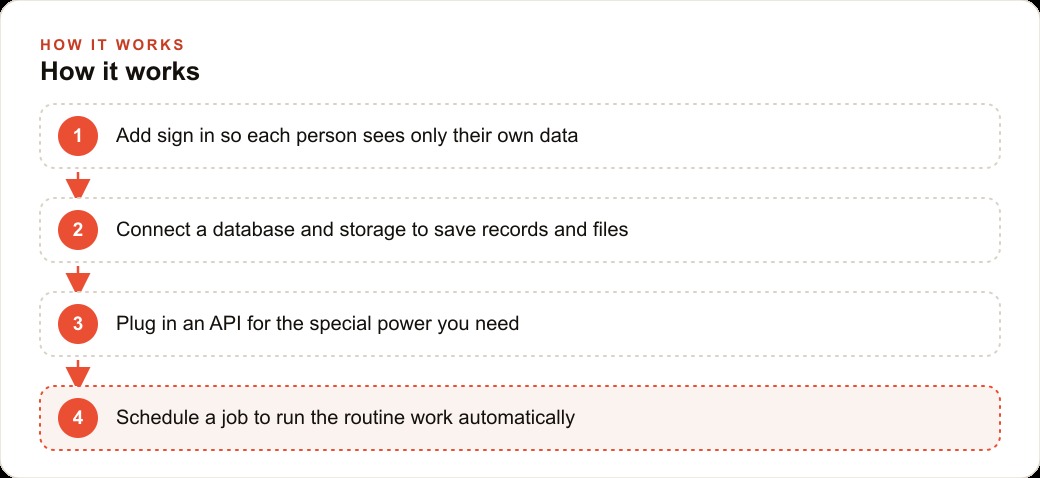
The way these five building blocks combine is what creates the apps that run businesses. A staff scheduling app for a plumbing company uses sign-in to show each plumber their jobs and the dispatcher the full schedule, a database to store every job with all its details and status, storage to hold the site photos and invoice PDFs, scheduled jobs to send the morning route emails and the weekly payroll summaries, and APIs for the mapping service that routes the day and the payment processor that collects the invoices. None of those five concepts is beyond a non-technical owner who understands what each one does.
The right way to start is to build the smallest version of one feature and prove it works before adding anything else. Pick the most painful manual task in your business, identify which of the five blocks it primarily needs, describe it to a vibe coding tool in plain language, and test the result on real data before trusting it with production operations. Each block you successfully deploy teaches you something that makes the next one faster to build and easier to verify. ## A worked example: building a photo and job tracker for a plumbing company
The business problem: a small plumbing company takes before-and-after photos of every repair job as part of their quality standard and their warranty documentation. The photos live on the technicians' phones, unorganized, disconnected from the job records, and effectively unsearchable. When a customer calls six months later with a warranty question, the owner spends twenty minutes hunting through old phone backups to find the relevant photos if they can find them at all.
The custom app they needed used all five building blocks. Sign in keeps each technician's view restricted to their own assigned jobs, and the dispatcher's view shows the full schedule. A database holds every job record: customer name, address, the reported problem, the diagnosis, the parts used, the repair time, and the current status. Storage holds all the before-and-after photos, tagged to the job record they belong to. A maps API shows the day's route organized by location rather than by the order jobs were entered. A texting API sends the customer an automatic message when the technician marks a job as started.
The scheduled job handles the end-of-day reporting: every evening at 7 PM it compiles all closed jobs from that day, attaches the photo links, calculates the total labor and materials for each, and emails a summary to the owner. No one has to compile the report manually. It runs whether anyone remembers to trigger it or not.
The build sequence was four weeks. Week one: sign in and the basic job list. Week two: storage for photos and the camera integration. Week three: the maps API for route optimization and the texting API for customer notifications. Week four: the scheduled reporting job and the final polish on the interface. Each week's feature was tested on real jobs before the next feature was added.
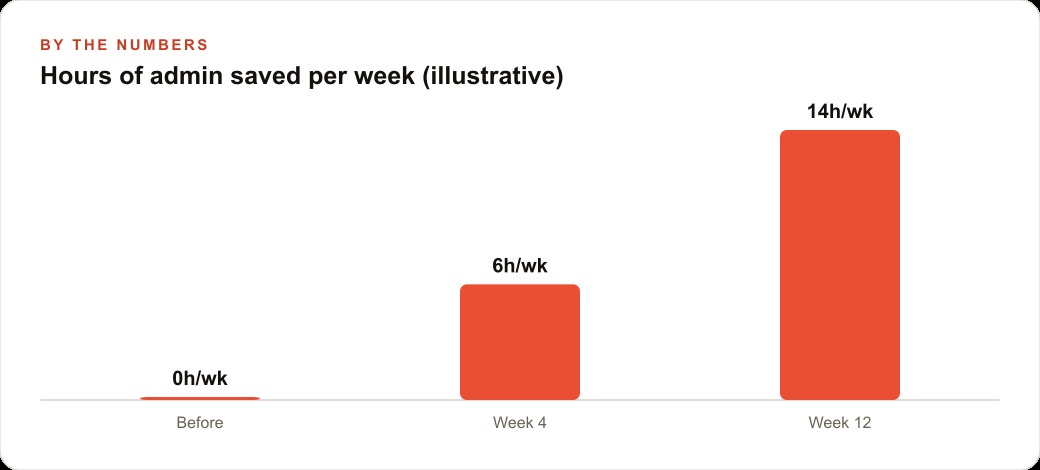
The outcome at three months: zero lost photo jobs since deployment compared to roughly two per month before. Warranty lookups that previously took twenty minutes now take forty-five seconds because the photo is attached to the job record that is searchable by customer name, address, or date. The daily report lands in the owner's inbox every evening without anyone having to generate it. The customer satisfaction score for communication improved measurably because the on-my-way text was something customers commented on positively without being asked.
The total build cost was about 40 hours of a developer's time, which at a reasonable consulting rate is less than the value of two months of recovered time from eliminated manual reporting and photo management. For a business evaluating whether a custom app is worth building, the framework is the same as any other tool: identify the specific tasks it would handle, estimate the current time cost of those tasks, and compare that cost to the build investment. When the payback period is under a year, the case is almost always yes.
That is exactly what we do at AI DOERS. Book a private 30-minute call with Madhuranjan Kumar and we will map the fastest path to it for your specific business.
Book your call →
Madhuranjan Kumar
Madhuranjan Kumar brings 20 years of performance-marketing experience and has managed over $200 million in Facebook ad spend for brands across the United States and beyond. His expertise spans the full modern marketing stack: Meta, Google Ads, TikTok, email automation, CRM, and the websites that hold it together. At AI DOERS he turns that track record into lead-generation systems for businesses across every industry.