
Cloning a $250M App in Five Prompts: What It Means for Your Business
Two builders raced to rebuild a famous AI note taking app using only five prompts each. The exercise reveals just how close custom software has come for everyday businesses.

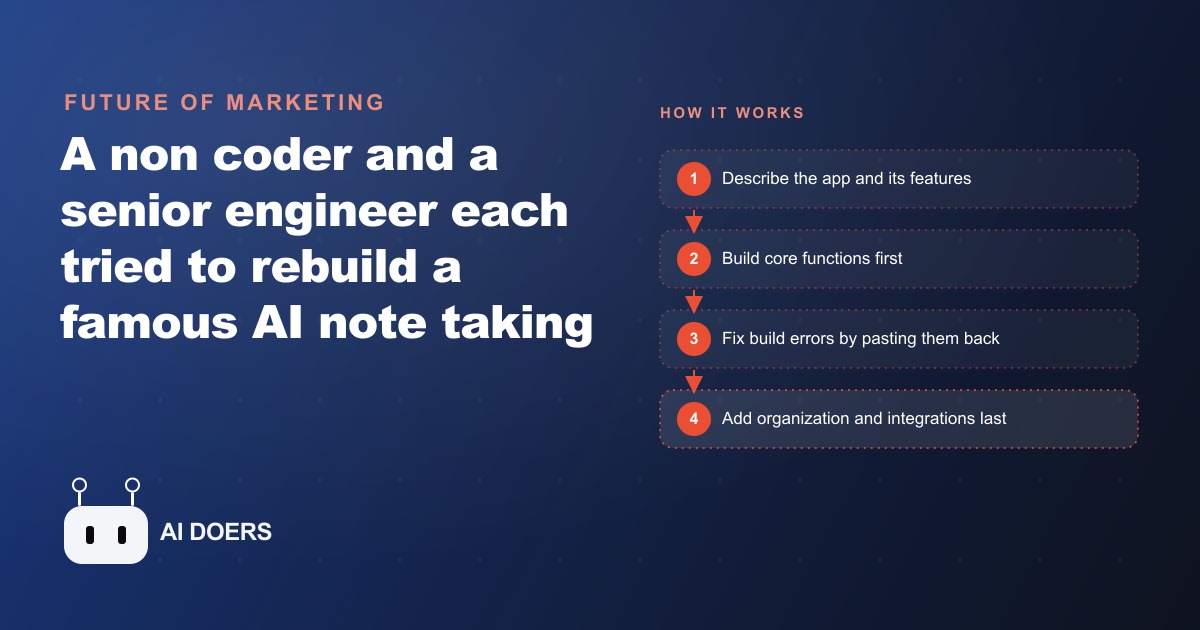
A quarter-billion-dollar AI product, rebuilt in five plain-language prompts at a total API cost of about $12. I am Madhuranjan Kumar, and I want to tell this story through a gym's coaching-note app, because the gym case makes the numbers specific enough to evaluate and the method specific enough to replicate.
The challenge: a quarter-billion-dollar app reproduced in five plain-language prompts
The target was an AI note-taking application last valued at around $250 million. The product records audio from a meeting or session, transcribes it automatically, and generates a structured AI summary capturing key points, action items, and decisions. It also organizes recordings by project or folder and integrates with a calendar to link notes to specific scheduled events. These features made it valuable enough that knowledge workers pay monthly subscriptions for access.
Two builders ran the challenge independently: a senior engineer with a decade of professional experience and a non-coder who had never written a line of software. Each was allowed exactly five plain-language prompts, using current AI coding tools. Both ended up with a working version that recorded audio, transcribed it, and returned an AI-generated summary. The gap between the $250 million product and the five-prompt build is real and large: polish, reliability, depth of organizational features, edge-case handling, and years of refinement based on real user feedback at scale. The core function is not a gap. The record-transcribe-summarize loop is reproducible in five prompts at about $12 in API costs, and that fact has direct consequences for what a small business can build for its own operations without hiring a developer.
The gym in this walkthrough has 8 trainers, each running 5 sessions per day. Before the tool, each trainer spent approximately 15 minutes per session on handwritten session notes and post-session documentation, a total of 600 minutes per day lost to manual record-keeping across the team. The build target was the core of that $250 million app, applied to the gym's specific workflow, built in five prompts.
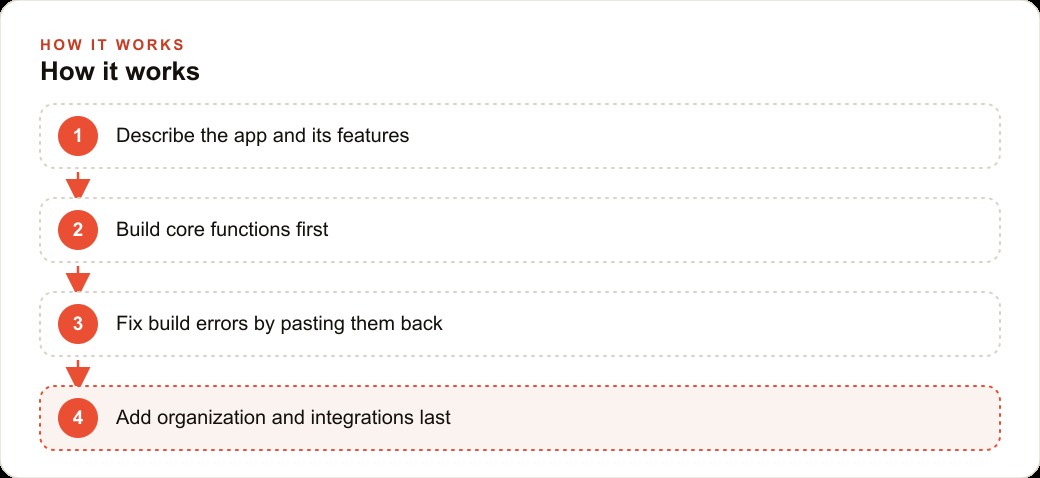
Prompt one committed to the core loop and deliberately left the hardest feature for last
Both builders made the same structural decision in their first prompt, and it is the decision that separates a successful five-prompt build from one that stalls midway. Prompt one described the core application: record audio from a session, transcribe it using a speech-to-text engine, generate an AI summary of the transcript, and display all three in a clean interface. The calendar integration was not mentioned. Folder organization was not mentioned. Search, tags, and export were not mentioned. The first prompt described the one thing the app absolutely had to do to be worth using.
This sequencing is deliberate, not cautious. The core loop is the highest-certainty part of the build: a clear success condition, a function you know how to describe precisely, and the part that validates the entire project when it works correctly. Calendar integration is the uncertain part, requiring authentication to an external scheduling service, reading events from a user's calendar, and matching recordings to appointments by time and date. Any of those steps can produce authentication errors, permission errors, or time zone mismatches that take multiple debugging rounds to resolve. Placing that feature in prompt five means a failure there does not touch the working core. The value is already running before you reach the risk.
For the gym app, prompt one produced a working session recorder with transcription and a clean summary output in approximately 40 minutes of build time. The trainer could tap record, run a session, and receive a structured summary of the client's workout, form notes, and goals. That single output was already worth more than 15 minutes of manual note-writing, and the build was one-fifth complete.
The general principle is worth naming explicitly because it applies to any software build, at any scale. Rank your features by uncertainty and risk. The highest-certainty, most fundamental feature goes in prompt one. The feature you are least sure about goes in the last prompt, after the valuable core is already running and confirmed. This is not timidity. It is sequencing that keeps a failure in the most uncertain part from blocking the most certain and valuable part of the build.
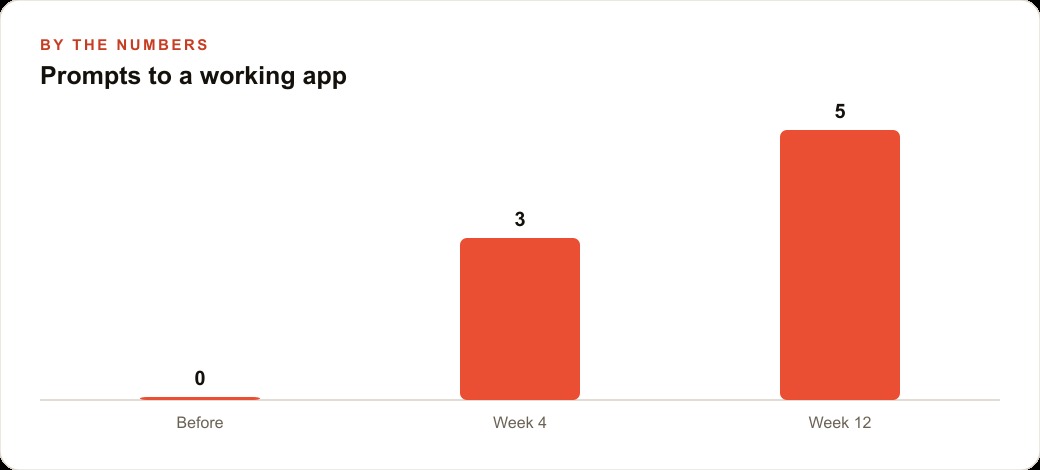
Two build errors, two plain-language fixes, and why neither required touching code manually
Both builders hit build errors during the five-prompt challenge. This was expected, because build errors are a normal part of any software construction process, not a signal that something is fundamentally wrong with the approach. What matters is how the errors were handled, and the answer in both cases was the same: paste the exact error message back to the AI and ask it to resolve the problem.
Neither builder read the error message, interpreted its technical content, and attempted to fix the underlying code manually. The error message was treated as an input to the next exchange rather than a diagnostic that required human technical understanding to process. In both cases the AI resolved the problem cleanly, producing a corrected build without the builder needing to understand what the generated code had done wrong or where the problem was located in the file structure.
The lesson is about the right mental model for debugging in AI-assisted builds. Errors are not exits. They are waypoints with specific information attached. The error message contains the exact signal the AI needs to identify what went wrong in the code it generated and fix it, with full context about the build's intent and structure. A human trying to read and interpret the same error message without that same depth of context about the generated code is less well positioned to find the fix quickly. Paste the error. Wait for the fix. Confirm the build runs. Continue to the next prompt.
The gym build hit one error during transcription, where the speech-to-text service returned a response format the generated code did not handle correctly. The fix took under four minutes: paste the error message, receive a corrected version of the integration, confirm the transcription was working. No manual code editing. No reading through generated files. No search for the problem location. The error message contained everything the AI needed.
The mental shift this requires is nontrivial for anyone who has spent years debugging software the traditional way, where reading and understanding error messages is a core skill. In an AI-assisted build, that skill is still useful for understanding what went wrong after the fact. It is not necessary for getting the build back on track. The error message is input, not a puzzle to solve manually.
The calendar integration was risky enough to save for the final prompt
Calendar integration is the feature most likely to cause a build to fail if attempted early, because it requires authenticating to an external scheduling system, reading appointments from a user's actual calendar, and matching recordings to sessions by time and date. Any of those steps can produce authentication errors, permission errors, or time zone mismatches that require multiple debugging rounds to resolve cleanly.
Both builders saved calendar integration for prompt five. This was correct, not because the feature is technically harder than everything else, but because a failure in prompt five only affects the last feature. The core loop is already running. Folder organization is already in place. If the calendar integration needs two extra exchanges to resolve a time zone issue, that is an acceptable extension of a build that already delivered its core value before reaching the uncertain part.
For the gym app, calendar integration connected each training session's recording to the appointment already in the gym's scheduling software. When a trainer tapped record, the app identified the current appointment, linked the note to that session automatically, and pulled the client's name from the appointment details so the summary was tagged correctly from the start. This integration took two exchanges to complete cleanly. The first attempt worked for appointments in the same time zone as the server but failed for trainers whose local time zone differed from the server's default. A second plain-language correction resolved the time zone handling.
The feature made the tool substantially more useful, because trainers no longer needed to manually identify which client a recording belonged to at the end of a session. But the value was already present in the build before the calendar was connected. The decision to save the integration for last meant the time zone debugging never threatened the rest of the build. Everything before prompt five was already working and already delivering value by the time the uncertain part was introduced.
What the gym's trainers actually used versus what the build had planned for them
The build delivered: recording, transcription, AI summary, folder organization by client, and calendar integration. What the trainers actually used after the first month was recording, transcription, and AI summary. The folder organization remained mostly empty. The calendar integration worked when it fired automatically at session start but was rarely triggered manually.
This is not a failure of the build. It is information about where the actual value lives for this group of users. The recording and summary loop was the feature trainers reached for after every session. Within the first week it had replaced the combination of handwritten notes during sessions and end-of-day summaries that trainers had been using to track client progress. Folder organization was a feature trainers planned to use but did not, because searching by a client's name was faster than navigating a folder structure. The calendar integration was useful when automatic and not worth the friction of triggering manually when it was not.
The numbers make the return concrete. The gym has 8 trainers, each running 5 sessions per day. Before the tool, each trainer spent approximately 15 minutes per session on handwritten documentation, for a total of 600 minutes per day across the team lost to manual record-keeping. After the tool, each trainer spent approximately 2 minutes reviewing the AI-generated summary per session, for a total of 80 minutes per day for the same documentation function. The tool recovered 520 minutes per day of trainer time, roughly 8.7 hours daily, from a build that cost approximately $12 in API usage and one afternoon of focused build time.
At a conservative rate of $30 per hour for trainer time that could redirect to additional client capacity, the daily return on the tool is approximately $261 in recovered time value. The payback period on the $12 build cost is less than four minutes of the first day the tool runs. The ROI by the end of the first week exceeds 10,000 percent on the build cost alone. That ratio sounds extreme, but it reflects a straightforward fact: the cost floor for building a well-defined internal tool has dropped to the point where almost any workflow problem that consumes more than a few minutes per day justifies a build.
The feature the trainers did not use took approximately one of the five prompts to build. If the build had been constrained to three prompts, leaving out folder organization and calendar integration entirely, the return would have been identical. The value was in the core loop, the smallest version of the tool that solved the central problem well. Every feature beyond the core is a bet on what users will want next, and real usage in the first month is the only reliable way to know whether that bet paid off.
This pattern repeats across small-business builds of this kind. Build the core loop first, let it run with real users, and let the first month of actual usage determine what to build next with whatever prompt budget remains. The five-prompt constraint that makes the challenge interesting also encodes a useful design principle: commit to the highest-certainty core first, defer the uncertain integrations deliberately, and treat build errors as waypoints rather than failure signals. Those principles apply to any software build, at any scale, for any business that wants to ship quickly and avoid building features no one will use.
That is exactly what we do at AI DOERS. Book a private 30-minute call with Madhuranjan Kumar and we will map the fastest path to it for your specific business.
Book your call →
Madhuranjan Kumar
Madhuranjan Kumar brings 20 years of performance-marketing experience and has managed over $200 million in Facebook ad spend for brands across the United States and beyond. His expertise spans the full modern marketing stack: Meta, Google Ads, TikTok, email automation, CRM, and the websites that hold it together. At AI DOERS he turns that track record into lead-generation systems for businesses across every industry.