
The AI That Runs Your Browser and Does the Work For You
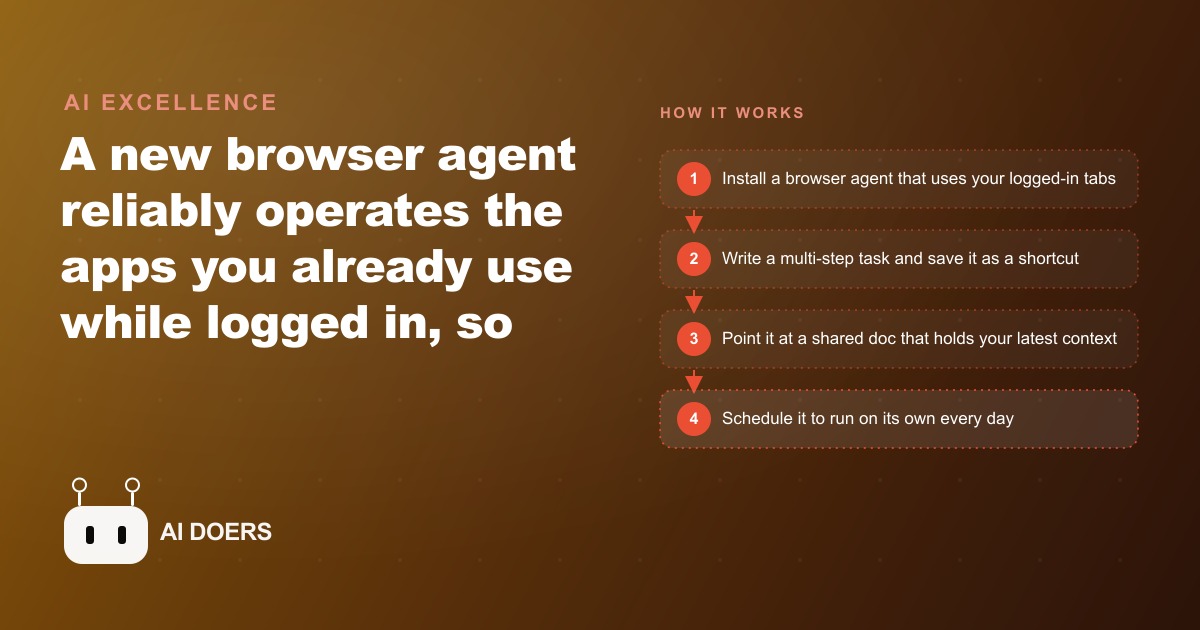
A new browser agent reliably operates the apps you are already logged into and can run the same task on a schedule, turning your favorite prompts into work that runs itself.

Before you open the extension: map the task in writing
I am Madhuranjan Kumar, and this playbook begins before you install anything. The most common reason browser agent setups underdeliver is not that the technology is insufficient. It is that the task was never fully defined before the tool was deployed. A browser agent follows the instructions it is given, and vague instructions produce inconsistent results that look like technology failures but are actually specification failures.
The first step is to write out every step of the task you want to automate as if you were explaining it to a capable but unfamiliar colleague who has never done this job before. If the task is to pull new leads from a customer portal, check their status in a CRM, and draft a follow-up message for the ones who have not been contacted in more than three days, write that sequence explicitly: open this URL, log in, navigate to this section, look for entries with these characteristics, check each one against that other system, apply this logic to determine who qualifies, then produce a draft in this format for each qualifying entry. The written version of the task is what you turn into a shortcut.
If you cannot write out every step clearly, the task is not ready to automate. That is the diagnostic, not a failure. It means there is ambiguity in the process that needs to be resolved by the human before the agent can handle it reliably. Resolving the ambiguity before building the shortcut saves far more time than debugging a shortcut that sometimes does the right thing and sometimes does something else, with no clear reason for the variance.
For a car dealership, the first task to automate is typically either lead response or listing hygiene, because both happen every day and both have obvious costs when they fall behind. The lead response task is: open the CRM, find every lead that came in since the last check, for each one look at the vehicle they inquired about, draft a response in the dealership's voice that acknowledges their specific inquiry and includes the next available step. That task can be written out completely. It has a clear starting point, a clear decision tree, and a clear output format. It is ready to be turned into a shortcut.
Install, connect, and choose your first shortcut with deliberate constraints
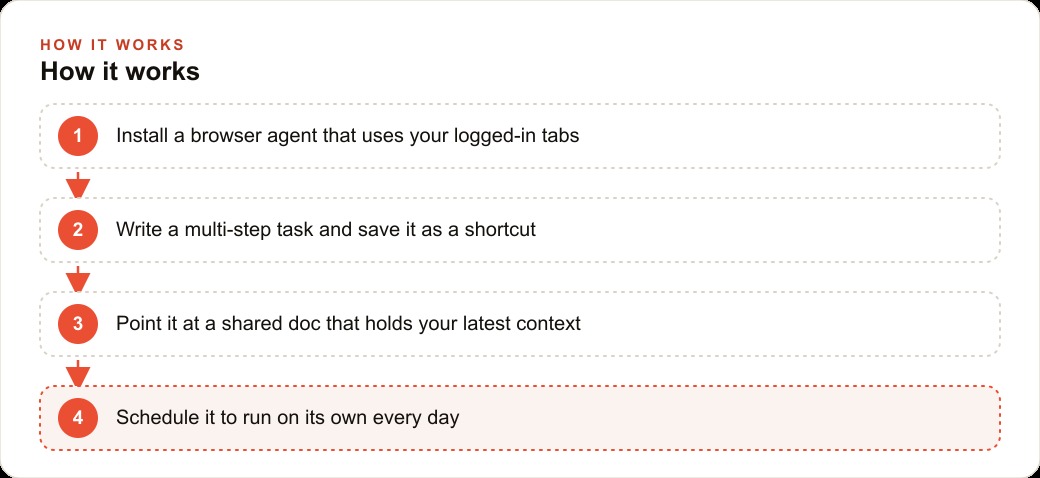
Once the task is written out clearly, installation is the easy part. Install the browser extension, connect it to your preferred AI model, and grant it access to the browser sessions you need for the specific task. The deliberate constraints matter here: do not connect every account and every service at the start. Connect only what the first task requires. More connections add more scope and more potential for unexpected behavior on a tool you are still learning.
The first shortcut should have three properties. First, the task should be low stakes: it should not directly touch customers or publish anything publicly without a human review step in the loop. The lead response task qualifies because the drafts it produces go to a human for approval before they are sent. The listing update task qualifies if the workflow includes a human review of the changes before they go live. A task that publishes directly to external platforms without review does not qualify for the first shortcut.
Second, the task should be self-contained within the browser sessions you have connected. If it requires information from a source you have not given the agent access to, the agent will either fail to retrieve it, make something up, or handle the gap in an unexpected way. The written task map you created in step one should make clear which sessions and which data sources are required, and all of them should be connected before the shortcut runs.
Third, the task should run to completion reliably on its own. If it requires a complex conditional branch where different inputs need fundamentally different handling, the first shortcut is not the place for that complexity. Start with the common case and handle it cleanly. Edge cases get their own shortcuts or their own review steps in the workflow.
Build the context document that keeps the agent current as the business changes
The most important infrastructure decision in a browser agent setup is where the varying information lives. The dealership's targets, promotions, pricing exceptions, and current inventory notes change regularly. If that information is hardcoded into the shortcut itself, every change requires opening the shortcut and editing it. If a promotion runs for two weeks and requires six changes during that period, six manual shortcut edits is the overhead. That overhead compounds across multiple shortcuts and multiple agents.
The better architecture places changing information in a shared document that the agent reads as context before each run. The shortcut stays stable. The document holds the current state. When the promotion price changes on Tuesday, the coordinator updates the document. The Wednesday morning run of the shortcut picks up the new price automatically without anyone touching the shortcut. When the promotion ends and a new one starts, the document is updated once and every shortcut that references it reflects the change on its next run.
For the dealership, this context document might contain the week's featured vehicles, the current promotional financing terms, the approved trade-in value ranges for common incoming models, and any current manufacturer incentives. The lead response shortcut reads this document before drafting each response, so responses accurately reflect the current offers without requiring the shortcut to be updated each time an offer changes. The inventory hygiene shortcut reads the same document to know which vehicles have sold or been moved to off-lot status.
The document format does not need to be structured. It can be plain text written the way a manager would write a team briefing. The agent can read and apply that text reliably. What matters is that it is updated consistently and that it contains all the information the shortcut needs that is subject to change. Information that never changes, like the dealership's voice and response style, can live in the shortcut itself. Information that changes monthly, weekly, or daily lives in the document.
Schedule the first run and review what actually happened
Once the shortcut is built and the context document is in place, the first run should be scheduled for a low-stakes time slot with a human available to review the output immediately. For most businesses, this is early morning, before the team is handling other tasks, with the review happening before any output goes anywhere beyond an internal draft.
The review of the first run is not a quality check to see whether the agent performed perfectly. It is a diagnostic to understand where the shortcut matches expectations and where it does not. For each output the agent produced, ask: is this what I would have done in this situation? If yes, the shortcut handled that case correctly. If no, trace back to the step where the divergence happened. Was the agent given the right information to produce the right output? Was the decision logic in the shortcut ambiguous on this specific input? Was the context document missing information that the agent needed?
The first run will typically surface one or two gaps in the specification that the written task map did not anticipate. That is expected and valuable. Each gap, closed by updating the shortcut instructions or the context document, makes the next run more reliable. The goal of the first few runs is not perfect performance. It is accumulating the specific corrections that eliminate the gaps between the agent's behavior and the expected behavior, until the shortcut consistently produces output you would approve without editing.
For the car dealership, the first lead response run might produce a draft for one lead that does not correctly reference the specific vehicle inquired about, because the agent read the inquiry but interpreted it as a general interest rather than a specific model. The fix is explicit: the shortcut instruction needs to specify that the vehicle mentioned in the inquiry should be named in the draft response, not assumed from general context. That one clarification, added to the instruction, prevents the same error on every future run.
Expand only once the first task earns your trust
The expansion decision is the one most people get wrong because patience is hard when the tool is clearly capable of more. The first shortcut earns trust through consistent, reliable performance across multiple runs, not through impressive output on the first run. A shortcut that works perfectly once and then diverges on the second run is not trustworthy. A shortcut that works the same way across twenty consecutive runs has demonstrated reliable behavior on the specific task it was built for.
The criteria for expansion is simple: would you let this shortcut run overnight without reviewing its output in the morning? If yes, it has earned trust. If the honest answer is "not quite, there are still occasional outputs I would not send," then the shortcut needs more refinement before it should be used as the foundation for additional shortcuts or expanded to higher-stakes tasks.
When the first shortcut has earned trust, the second shortcut should be built from the same foundation. Use the same context document. Use the same model connection. Build on the familiarity developed with the first shortcut so the second can be built faster and debugged with the same diagnostic approach. The second shortcut for the dealership might be inventory hygiene: checking the listings against the current sold inventory and flagging anything that needs to be pulled. It reads the same context document, uses the same logged-in sessions, and produces a review list for the coordinator rather than taking action directly.
The dealership model for scaling to a team
The dealership scenario provides a clean illustration of how browser agent workflows scale from one person to a team. The shortcuts and the context document are the shared infrastructure. Individual team members interact with the outputs rather than with the setup. The lead response shortcut produces drafts that any salesperson can review and send. The inventory hygiene shortcut produces a list that any coordinator can work through. The morning summary shortcut, once built, produces a report that the manager reviews regardless of who manages the context document.
The team scaling does not require building separate shortcuts for each person. It requires building shortcuts that produce outputs in formats each role can use immediately. A salesperson's ideal output is a draft they can approve with one click. A coordinator's ideal output is a checklist they can work through methodically. A manager's ideal output is a summary they can scan in two minutes. Different outputs for different roles can come from the same underlying shortcut with different output format specifications, or from separate shortcuts that each target a specific role's workflow.
The context document becomes a shared responsibility: whoever knows the current pricing approves the document update, whoever tracks sold inventory updates that section, whoever manages the promotions calendar adds and removes those items. The agent reads the document and produces role-specific outputs from it. The coordination overhead is in keeping the document current, which is simpler than manually coordinating ten separate tasks across ten separate tools.
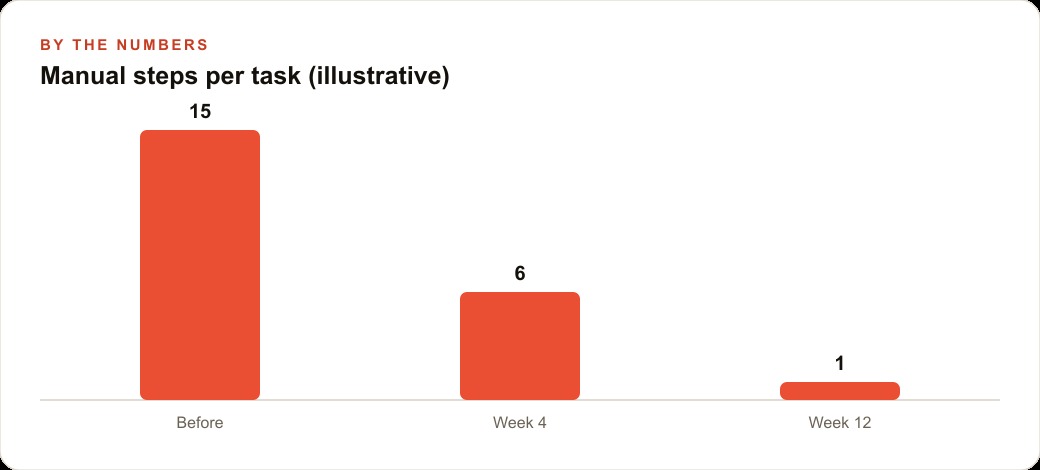
Over three months of consistent use, a dealership team that has built three or four working shortcuts across its most frequent tasks has a different operational baseline than one that has not. Leads are drafted within the same day regardless of when they arrived. Listings stay current without a coordinator spending an hour checking every morning. The manager's first action of the day is reviewing a summary that already exists rather than assembling one. Those compounding daily differences are the return on the initial investment in building and tuning the shortcuts correctly.
That is exactly what we do at AI DOERS. Book a private 30-minute call with Madhuranjan Kumar and we will map the fastest path to it for your specific business.
Book your call →
Madhuranjan Kumar
Madhuranjan Kumar brings 20 years of performance-marketing experience and has managed over $200 million in Facebook ad spend for brands across the United States and beyond. His expertise spans the full modern marketing stack: Meta, Google Ads, TikTok, email automation, CRM, and the websites that hold it together. At AI DOERS he turns that track record into lead-generation systems for businesses across every industry.