
AI That Can Now Operate a Computer, and How a Local Business Can Put It to Work
The newest model can read a screen and click through software like a person. Here is the plain-English version and a worked example for a repair shop.

A Tuesday morning when the agent ran a parts order
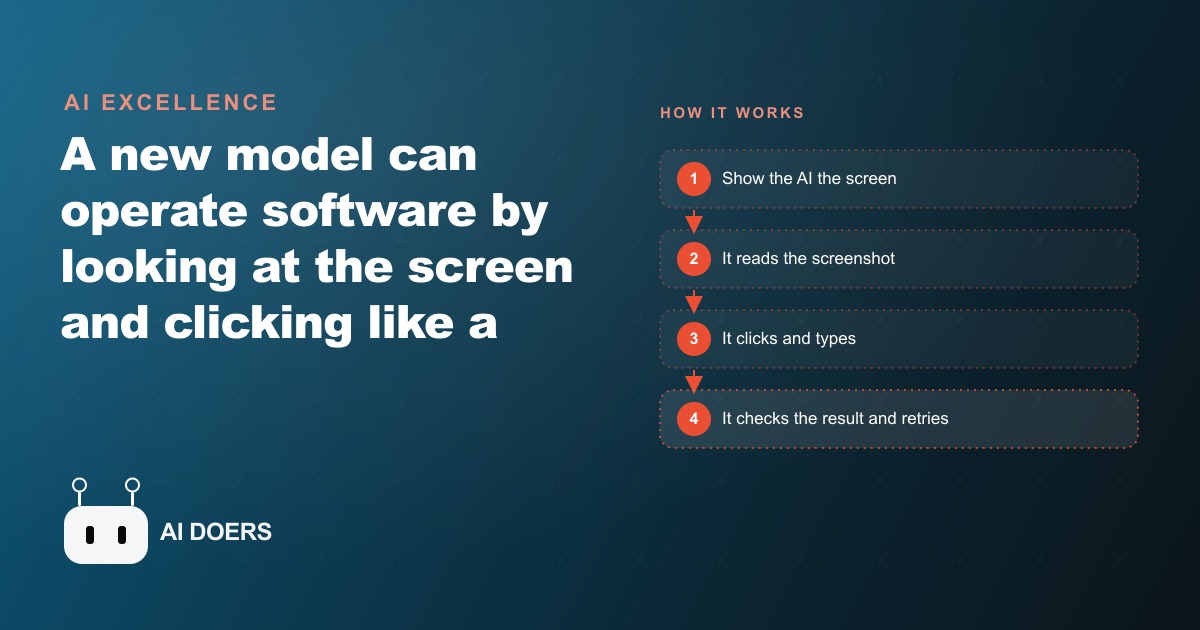
It is 9:40 on a Tuesday morning. The shop has six bays running and a seventh waiting for a timing belt set. The service writer at the front counter is three minutes into an explanation for a customer who drove forty minutes to pick up a car that needs one more day. While that conversation continues, on the workstation behind the counter, a computer-use agent is navigating to the supplier portal, searching the part number from the job ticket, confirming stock and price, placing the order, and writing the confirmation number back onto the ticket. The service writer does not need to touch the portal until tomorrow when the part arrives.
That is not a demonstration. It is the version of Tuesday morning that a shop arrives at after three months of working with a computer-use agent, and the path from before to after runs through a specific sequence of decisions and discoveries that any shop owner thinking about this technology should understand before starting.
The problem that started this
Before the agent, parts ordering at this shop was a two-step problem. The first step was the lookup: open the supplier portal, search the part number from the ticket, cross-check fitment for the year and trim, confirm stock at the local distribution center, and record the price. Depending on how many parts a job needed and how well the portal's search was cooperating that day, one lookup took four to eight minutes. Across a typical day with a dozen active jobs, that added up to an hour or more of time distributed across the service writer's day in two-to-five minute blocks between other tasks.
The second step was the data transfer: copy the confirmation number from the portal into the shop management system, record the expected delivery date, note the price for the estimate update, and flag the job so the technician knew the order was placed. This step was mechanical, requiring no judgment, but any missed step created follow-up work when a technician asked whether a part had been ordered and nobody could confirm it without logging back into the portal to check.
The same issue appeared with warranty claim status. Open the claims portal, navigate past the login and the dashboard to the open claims list, read the current status of each active claim, copy the status into the job management note, and identify any claims that had moved to approved or rejected since the last check. This was a 20 to 30 minute exercise on a busy day, often done at the end of the afternoon when the service manager was also wrapping up authorizations and returning calls. It was not difficult work. It was clicking work, and it did not need to be done by the most experienced person in the shop.
The team had tried to address the parts lookup problem with an integration between the shop management system and the supplier catalog. The integration worked for price lookups but did not place orders or update the job record with confirmation numbers. The workaround was to use the integration for the lookup and then still open the portal to place the actual order. That cut the lookup time slightly but did not eliminate the portal navigation step that was consuming most of the time.
Choosing the first workflow to test
When the owner decided to pilot a computer-use agent, the parts ordering workflow was the obvious starting point for a specific reason: it was the most predictable. The steps were consistent. Every parts order followed the same sequence. Log in to the portal, search the part number, confirm fitment and stock, place the order, record the confirmation. There were variations, such as a part being out of stock requiring a search for a substitute or a secondary supplier, but even those variations followed a defined pattern. A well-defined sequence with clear steps is where computer-use agents perform most reliably, and the team chose to start there rather than picking a workflow with more open-ended judgment requirements.
The decision to start narrow rather than broad was also a risk management choice. A computer-use agent that places the wrong part order or submits an order for the wrong quantity creates a real downstream problem: a part that arrives at the shop and needs to be returned, a technician whose bay sits idle while the correct part is sourced, and a customer whose pickup date slips. Starting with a narrow, supervised pilot meant the team could catch errors in the first week before any of those consequences accumulated.
They made a deliberate decision about trust levels at the start. The agent would log in, search, confirm, and draft the order, but a human would review and approve each order before it was submitted during the first two weeks. After that period, if accuracy was high enough, the agent would submit directly and flag the confirmation for the service writer to note. The graduated trust approach kept the pilot risk-contained while gathering evidence that accuracy warranted more autonomy.
The first week and what surprised them
The first week surfaced two surprises, one expected and one not. The expected surprise was occasional portal layout variation. The supplier portal used slightly different page structures on different browsers and different display sizes, and on two occasions the agent lost track of which button to click because the layout it saw did not match the layout it had been set up for. Both times it raised a flag rather than guessing, and a service writer stepped in to complete those two orders manually. The team noted the specific pages where the variation occurred and updated the agent's instructions to handle the alternate layout. This kind of setup iteration was expected and was not a reason to doubt the approach.
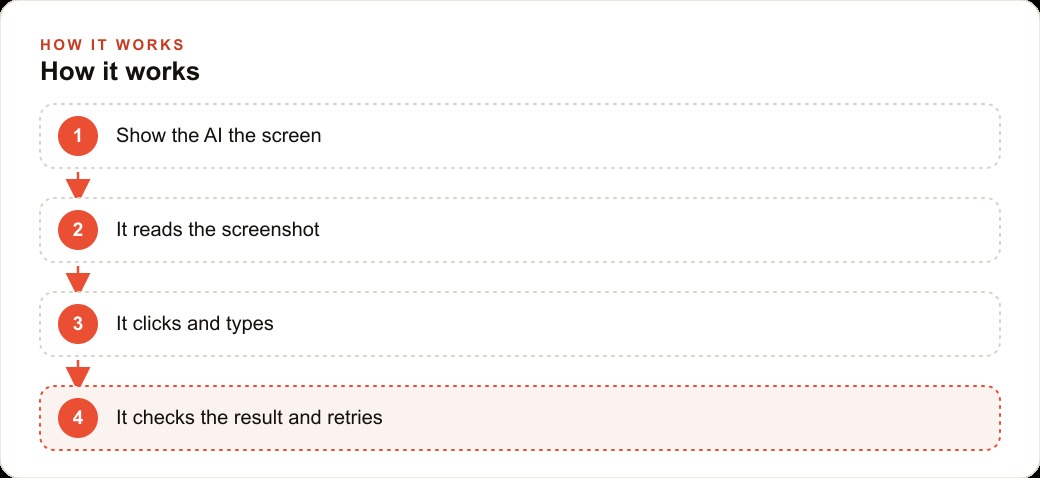
The unexpected surprise was the self-verification behavior. On one order attempt, the supplier portal displayed an error page after the agent submitted the order. In the previous flow, a human doing the same task would have seen the error page, understood that something went wrong, and resubmitted or called the supplier. A simpler automation script would have timed out, reported a failure, or in the worst case assumed success and moved on. The computer-use agent looked at the screen, saw that the page showed an error rather than a confirmation, and flagged the situation without closing the portal. The service writer checked the portal, resubmitted the order successfully, and the agent wrote the confirmation onto the ticket once it confirmed the order page loaded correctly.
That single incident shifted how the owner thought about what made this different from the integrations the shop had tried before. An integration that breaks when a page changes is a maintenance problem. An agent that looks at the page and responds to what it sees adapts to the variation rather than failing silently. The error page was visible. The agent saw it. The flag was accurate. That is the specific behavior that makes a supplier portal a viable automation target even when the portal's layout is outside your control.
By the end of the first two weeks, the agent was handling parts orders with a 94 percent accuracy rate on first attempt, meaning 94 out of every 100 orders were submitted correctly without requiring a human correction step. The 6 percent that needed intervention were flagged immediately rather than discovered at the end of the day. The team moved to direct submission with automatic flagging.
Adding the warranty claim workflow
Three weeks into the pilot, the service manager proposed extending the agent to warranty claim status checks. The reasoning was direct: if the agent could navigate a supplier portal reliably, it could navigate a warranty claims portal with a similar setup process, and the warranty check routine was a daily time consumer with no judgment component at all. The steps were: log in, navigate to open claims, read the status of each claim, note any status changes, and draft a summary for the service manager.
The setup took one afternoon. The agent was given secure credentials for the warranty portal, a list of current open claims, and instructions to produce a summary report each morning before 8 AM showing which claims had changed status since the previous day and which remained pending. The morning summary replaced the manual check routine entirely.
The transition surfaced one issue specific to the warranty portal: session timeout. The portal logged the user out after 20 minutes of inactivity, and on two mornings the agent started the check run before the login was refreshed, encountered a timeout screen, and restarted the login sequence rather than proceeding. The fix was to schedule the check run to start with a fresh login rather than resuming a session. After that adjustment the warranty check ran without interruption.
The second discovery was that the agent could catch something the manual routine had been missing. During the manual check, the service manager would note status changes and follow up on approved or rejected claims the same day or the next. Because the manual check happened once a day at the end of the afternoon, claims that changed status in the morning would not be noticed until the end of that day or the next morning. The agent, running at 7:45 AM, caught a claim that had moved to approved the previous evening and drafted the follow-up note before the technician whose bay was tied to that job arrived for their shift. That hour difference between catching the approval at end of day versus catching it at 7:45 AM freed up a bay earlier in the day than it otherwise would have been.
Three months later
Three months after the parts ordering pilot started, the workflow at the shop had changed in four specific ways.
First, the service writer spent an average of 35 fewer minutes per day on portal navigation. That time was directed specifically toward technician communication, estimate updates, and customer calls, all tasks that require a person and that had previously been deferred to the end of the day when the portal work was done. The shift in where the service writer's attention went produced a measurable change in how quickly estimates were returned to customers waiting for authorization calls.
Second, the error rate on parts orders dropped. Under the previous manual process, roughly one order per week had an error, typically a wrong quantity, a wrong fitment confirmation, or an order placed against the wrong job ticket. Over three months with the agent running, the team counted two errors that required corrective action. Both were caught at the confirmation stage by the agent flagging an unexpected page layout, not discovered at delivery.
Third, the warranty check routine was fully removed from the service manager's task list. The summary report appeared every morning before the team arrived and was part of the opening review. Claims that changed status overnight were identified within 12 hours of the change rather than potentially 30 or more hours depending on when the manual check happened to fall relative to the portal update.
Fourth, and least expected, the owner started identifying a second round of automation targets. The initial skepticism about whether a computer-use agent could handle real business software without constant babysitting had been answered by three months of reliable operation. The next candidates were appointment confirmation status checks on the loaner vehicle the shop offered during extended repairs, and supplier price comparison lookups before placing orders above a defined cost threshold.
The consistent lesson across the three months was that the right targets for computer-use automation share the same properties: a predictable sequence of steps, a visible result the agent can verify, and no judgment requirement that actually needs a human. The parts order and the warranty check both met all three. The next workflows on the list meet them too. The question is not whether this works. The question is which workflow to set up next and in what order.
That is exactly what we do at AI DOERS. Book a private 30-minute call with Madhuranjan Kumar and we will map the fastest path to it for your specific business.
Book your call →
Madhuranjan Kumar
Madhuranjan Kumar brings 20 years of performance-marketing experience and has managed over $200 million in Facebook ad spend for brands across the United States and beyond. His expertise spans the full modern marketing stack: Meta, Google Ads, TikTok, email automation, CRM, and the websites that hold it together. At AI DOERS he turns that track record into lead-generation systems for businesses across every industry.